1
Outline of PLC Memory Window
Section 12-2
12-2-5 Changing Display and Input Formats
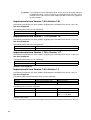
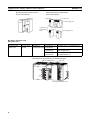
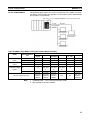
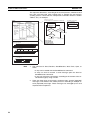
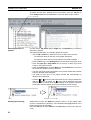
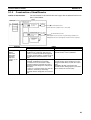
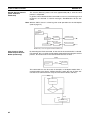
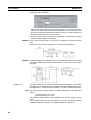
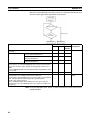
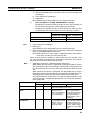
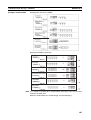
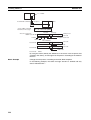
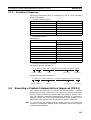
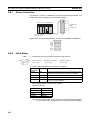
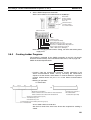
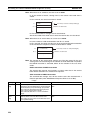
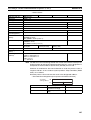
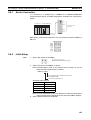
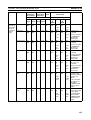
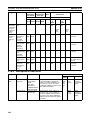
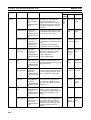
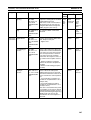
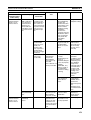
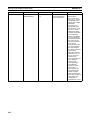
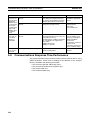
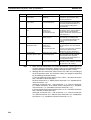
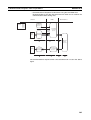
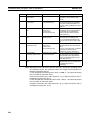
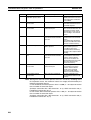
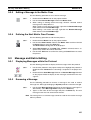
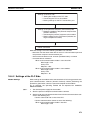
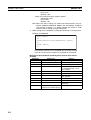
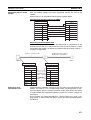
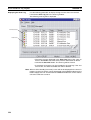
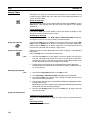
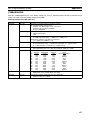
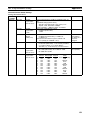
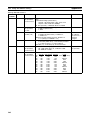
The display and input formats are selectable per I/O memory area in the following methods, provided that the PLC data table is active.
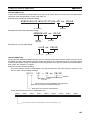
Selecting from Menu
Select Display from the View Menu.
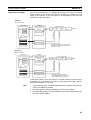
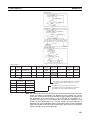
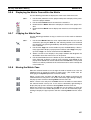
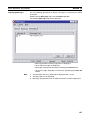
Selecting from Pop-up
Menu
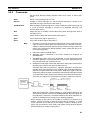
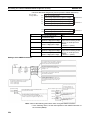
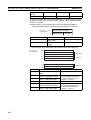
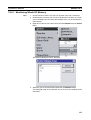
Right-click a cell in the PLC data table and select the display format from the
pop-up menu.
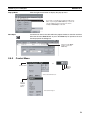
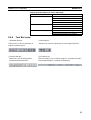
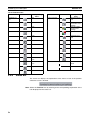
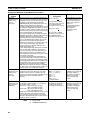
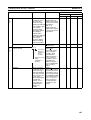
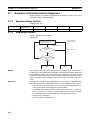
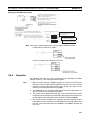
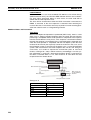
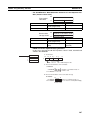
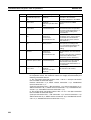
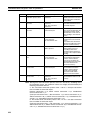
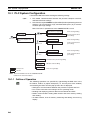
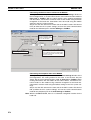
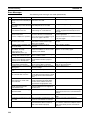
Selecting from Toolbar
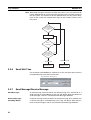
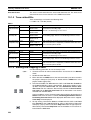
Left-click the icon on the toolbar.
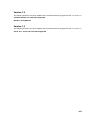
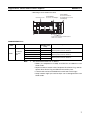
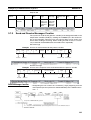
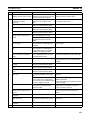
Text
Hexadecimal
Floating point
Signed decimal
Decimal
Binary coded decimal
Binary
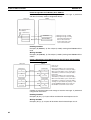
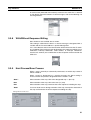
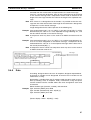
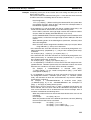
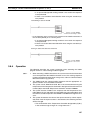
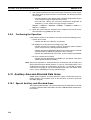
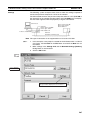
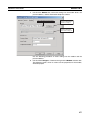
Note The default data display format in the PLC data table can be changed by
selecting the new default data display format from the Display Tab in Preferences in the Display Menu.
305