1
EISA/PCI System Board
Advanced Options
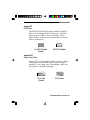
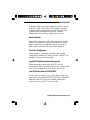
This option allows you to view detailed information
about the system board and the adapter boards installed
in the system.
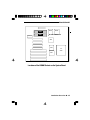
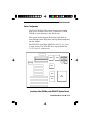
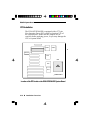
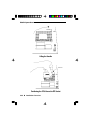
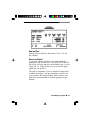
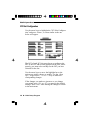
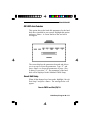
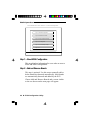
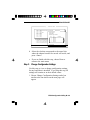
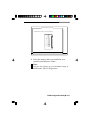
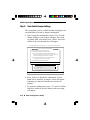
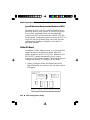
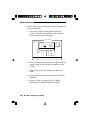
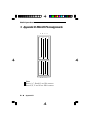
a. Choose Advanced Options and a box similar to the
one shown below will appear.
Step 3
-
Change Configuration Settings
Advanced Options
Global Resource Map
Board Details
System Details
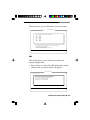
System
- DFI
EISA SYSTEM BOARD
Physical
Board
ID EB3486-TN
Map
Slot 1 - DFI EISANet-500 Ethernet Adapter
Slot
Slot
2 - Empty
3 - Empty
Slot
Slot
Slot
Slot
5
6
7
8
[Select=ENTER]
Slot 4 - Empty [Done=ESC]
-
-
Empty
Empty
Empty
Empty
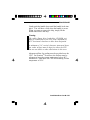
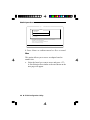
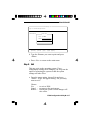
This step is optional, you may skip it by pressing ESC and all configuration
settings will remain unchanged.
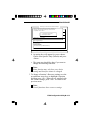
Press ENTER to view or change a board's configuration settings.
Press ESC when you are satisfied with the current settings.
[Select=ENTER]
[Done=ESC]
[Advanced Options=F9]
[HELP=F1]
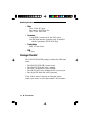
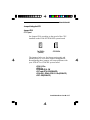
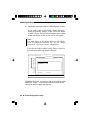
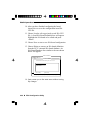
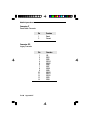
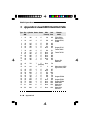
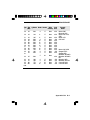
Global Resource Map
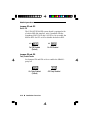
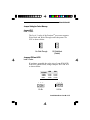
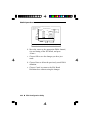
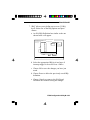
The Global Resource Map allows you to view the
DMA Channels, IRQ line, I/O port address and
memory address of a board.
4-14 u EISA Configuration Utility