1
Introduction
2.3
Getting started: configuring text-based displays
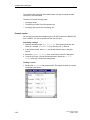
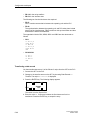
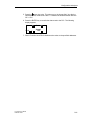
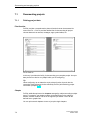
If you are not all that familiar with the ProTool visualization software, we would
recommend you read this brief introduction and get started with ProTool/Pro with
the help of the example. The printed version is enclosed with this manual.
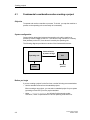
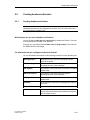
Requirements for working with the brief introduction
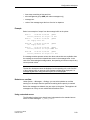
To do the exercises for ProTool in this brief introduction, you require
•
a PC as a configuration computer
•
the SIMATIC ProTool/Lite 5.2 software package
ProTool/Lite includes the ProTool/Lite configuration software and
ProTool/Pro RT runtime software.
•
an operating unit - for example, OP17.
Other documents on ProTool/Lite
You will find the electronic manuals on the installation CD under:
Docs\..\UsersManual_Text.pdf
You can find all the information contained in this manual in ProTool’s online Help.
2-6
ProTool User’s Guide
Release 12/99