1
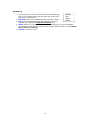
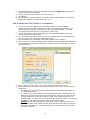
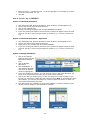
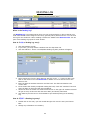
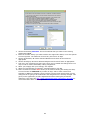
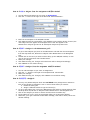
3. If the book has been finished, you’ll want to check the “Finished?” box, which will
enable the “Finished On” date field so that you can enter the completion date.
4. The Students section is disabled while in Edit mode.
5. Click SAVE to keep your changes, or click CANCEL to exit without keeping your
changes and return to the original item.
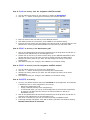
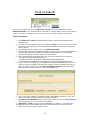
How do I mark a Reading Log item as FINISHED?
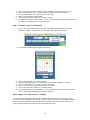
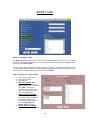
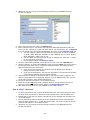
1. Double-click on the entry you wish to mark, or right-click over the entry and choose
Edit…
2. Check the “Finished?” box
3. Enter the date on which the book was completed in the Finished Date field.
4. Click SAVE
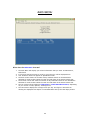
How do I DELETE a Reading Log entry?
1.
2.
3.
4.
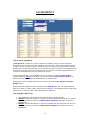
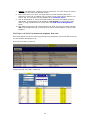
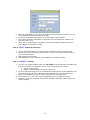
Click the Reading Log tab.
Choose a student from the drop down list.
Right-click over the entry you wish to remove and choose Delete…
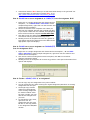
A confirmation message will appear, telling you how many records you are about to
delete. Click OK to delete the selected record(s). Click Cancel to quit without deleting.
5. Once you have deleted a Reading Lot entry, it cannot be retrieved. If you deleted an
item in error, you’ll need to start the Add process again. See above.
51