1
EQ Tab
Saved equalizers can be thought of as “favorites” which allow you to quickly adjust the
equalizer settings for OP’s and Zones.
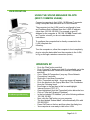
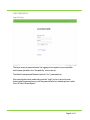
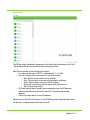
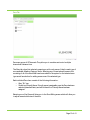
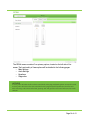
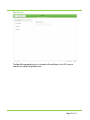
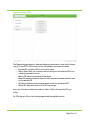
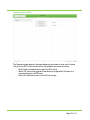
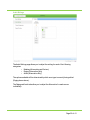
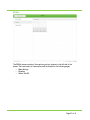
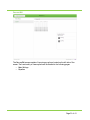
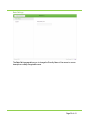
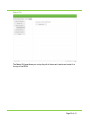
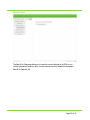
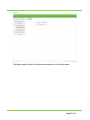
The EQ tab, when first selected presents you with a list consisting of all of the equalizers
that have been added to the system.
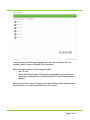
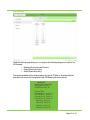
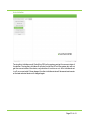
Each equalizer item consists of the following information:
• Icon depicting the type of equalizer (“1/ 1” for 10 Band and “1/3” for 30 Band)
• EQ # and Friendly Name. Friendly name is assignable once the equalizer has been
selected (described later) and will be blank if no Friendly Name has been
assigned.
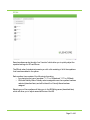
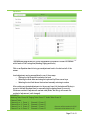
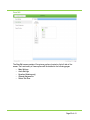
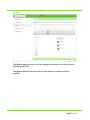
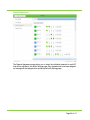
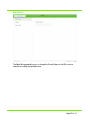
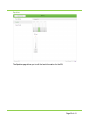
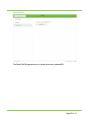
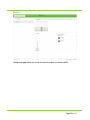
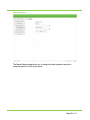
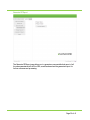
Selecting one of the equalizers will bring you to the EQ Editing screen (described later)
which will allow you to adjust several attributes of the EQ.
Page 11 of 41