1
Chapter 4 - 20
Database Manager - User manual
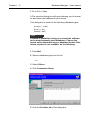
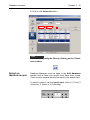
1 Click Add query
2 Enter a name for the query
3 Click OK
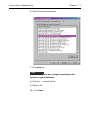
Select/deselect one or more fields
Database Manager must be open at the Fields tab in the
Database Query window.
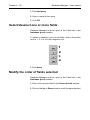
To select or deselect one or more fields, click on the button
next to 1, 2, 3 or 4 in the navigation tool.
1
2
3
4
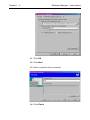
1 Click Query
Modify the order of fields selected
Database Manager must be open at the Fields tab in the
Database Query window.
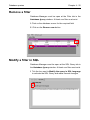
1 Click on the required field in the Ordered fields window
2 Click on the Up or Down arrow to reach the data required