1
D R A F T - Subject to change
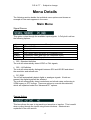
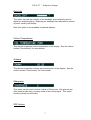
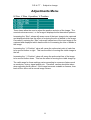
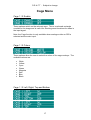
These options allow the user to set the position of the two cage rectangles.
The Left and Right coordinates are calibrated in pixel pairs giving a range 0 to
359. The Top and Bottom coordinates are calibrated in field lines giving a
range 1 to 288 for 625 video and 1 to 240 for 525 video.
There are two separate sets of values, one for 525 and one for 625 line video.
The values that appear in the menu are for whichever is currently being
detected. If the input changes from 525 to 625 or vice versa, the menu will
update the values to the newly detected video format.
Note: the Cage function is only available when analogue video or SDI is
selected as the main input.
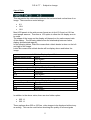
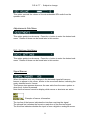
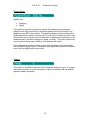
Crop to Cage 1
This option enables cropping on the reformatted SDI output. The settings for
cage 1 are used to locate the crop.
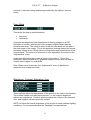
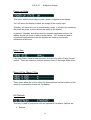
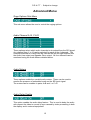
Crop 1 Colour
This option sets the colour of the cropped area on the reformatted SDI output.
Available colours are:
•
•
•
•
•
•
•
•
White
Yellow
Cyan
Green
Magenta
Red
Blue
Black
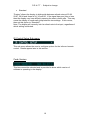
Note: this option has no effect if Crop Cage 1 is disabled.
18