1
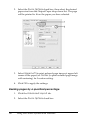
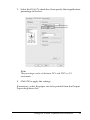
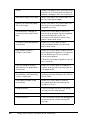
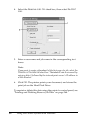
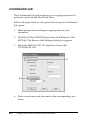
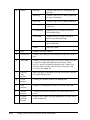
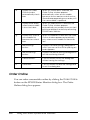
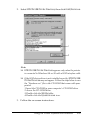
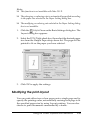
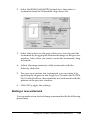
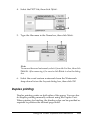
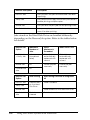
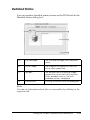
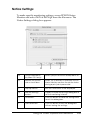
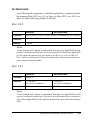
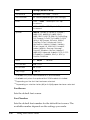
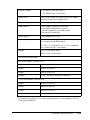
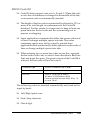
OK button:
Click this button to save the settings
and to exit the dialog box or printer
driver.
4
* When Extended Printable Area check box is selected, there is 4-mm minimum
margin on all sides.
4
4
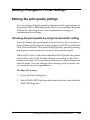
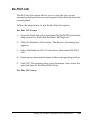
Making Optional Settings
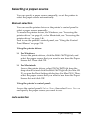
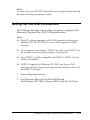
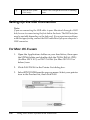
You can update the installed option information manually if you
have installed options to your printer.
4
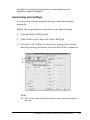
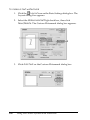
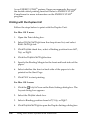
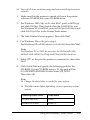
1. Open the printer’s Properties dialog box.
4
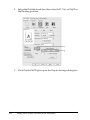
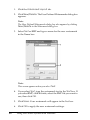
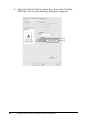
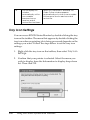
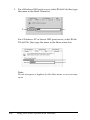
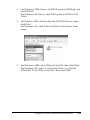
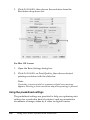
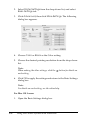
2. Click the Optional Settings tab, then select Update the
Printer Option Info Manually.
4
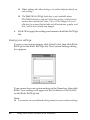
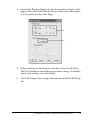
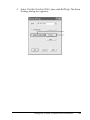
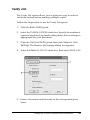
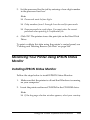
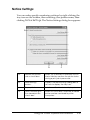
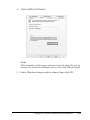
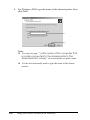
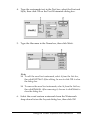
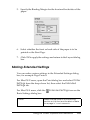
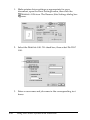
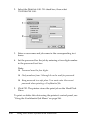
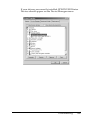
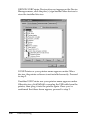
3. Click Settings. The Optional Settings dialog box appears.
4
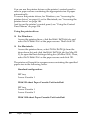
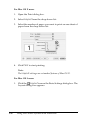
For Windows XP/2000:
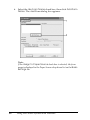
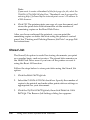
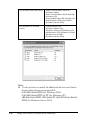
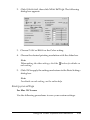
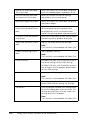
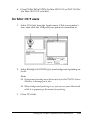
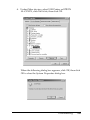
4. Make settings for each installed option, then click OK.
4
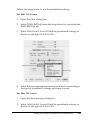
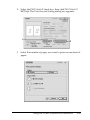
For Windows Me/98:
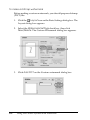
1. Click the Optional Settings tab, then select Update the
Printer Option Info Manually.
4
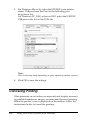
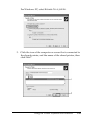
2. Click Settings. The Optional Settings dialog box appears.
4
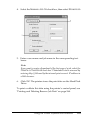
3. Make settings for each installed option, then click OK.
4
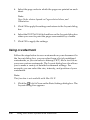
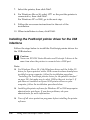
Printing a status sheet
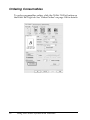
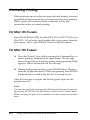
To confirm the current status of the printer, print a status sheet
from the printer driver. The status sheet contains information
about the printer, the current settings.
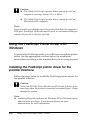
Using the Printer Software with Windows
95
4