1
AcuLaser M4000 Series
User's Guide
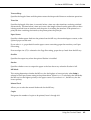
Confidential Job Menu
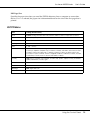
This menu allows you to print or delete print jobs stored in the printer’s memory using the
Confidential Job feature of the printer driver’s Reserve Job function. You need to enter the correct
password to access this data. For instructions on using this menu, see “Using the Confidential Job
Menu” on page 92.
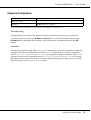
Parallel Menu
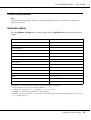
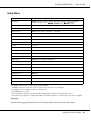
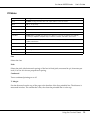
These settings control communication between the printer and the computer when using the
parallel interface.
*
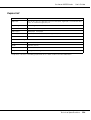
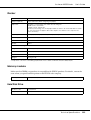
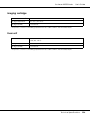
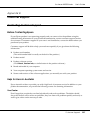
Item
Settings (default in bold)
Parallel I/F*
On, Off
Speed*
Fast, Normal
Bi-D*
ECP, Off, Nibble
Buffer Size*
Normal, Maximum, Minimum
After this item is changed, the setting value takes effect after a warm boot or after the power is turned on again.
While it is reflected in the Status Sheet and EJL read-back, the actual change takes effect after a warm boot or
after the power is turned on again.
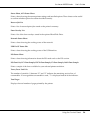
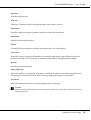
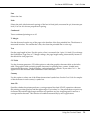
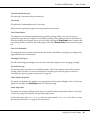
Parallel I/F
Allows you to activate or deactivate the parallel interface.
Speed
Specifies the pulse width of the ACKNLG signal when receiving data in the Compatibility mode or
Nibble mode. When Fast is selected, the pulse width is about 1 µs. When Normal is selected, the
pulse width is about 10 µs.
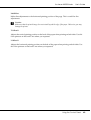
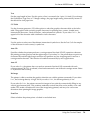
Bi-D
Allows you to specify the bidirectional communication mode. When you select Off, bidirectional
communication is disabled.
Buffer Size
Determines the amount of memory to be used for receiving data and printing data. If Maximum is
selected, more memory is allocated for receiving data. If Minimum is selected, more memory is
allocated for printing data.
Using the Control Panel
66