1
PAMGUARD V 1.2.00 Tutorial
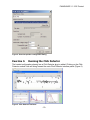
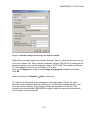
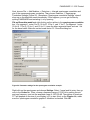
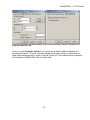
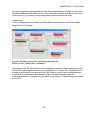
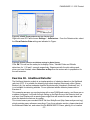
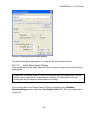
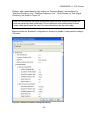
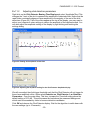
Here we are using the “Block Average” algorithm, which is suitable for most situations. The
signal window is set to 3.0 seconds which approximates the duration of an endnote call,
with the Start/Low frequency set to 100 Hz and End/High frequency set to 700 Hz to cover
the bandwidth of the call. The Noise window is set to 6.0 seconds due to the closely
spaced calls. The rule of thumb (~3 times the Signal Window) is not used in this case as
the calls only have about a 1.5 second gap between them (3.0 + 2 x 1.5 = 6.0).
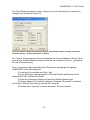
You can define an arbitrary number of configurations, each one with multiple signal bands.
Each signal band can also have multiple guard bands though one on an appropriate side or
two skirting the signal band is most appropriate.
Please read the on-line help for more detail and information on how to use a more complex
configuration.
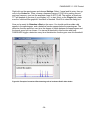
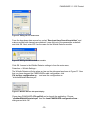
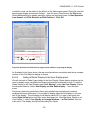
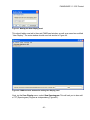
Finally, right click on the spectrogram window in the User Display panel, and check the
“Likelihood Detector – Bowhead” item in the context menu. This instructs the spectrogram
to draw detection boxes which are generated by the likelihood detector. If we had multiple
configurations defined in the Likelihood Detector module, there would be an item for each
one in the context menu.
Ex 10.6
Play back data file and view detections
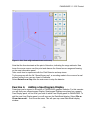
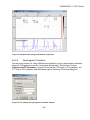
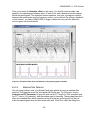
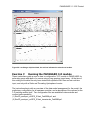
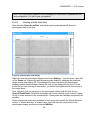
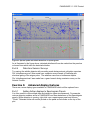
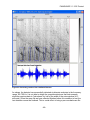
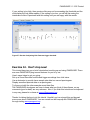
Now that we have configured the modules, select Start from the Detection menu. After a
short while the file will have been processed to completion, and you should see something
similar to Figure 53.
- 47 -