1
TM-H6000III Technical Reference Guide
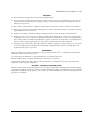
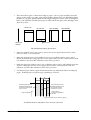
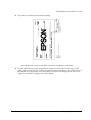
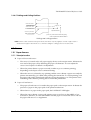
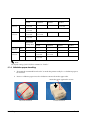
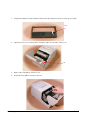
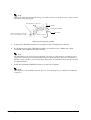
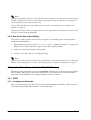
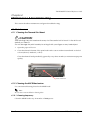
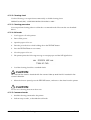
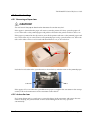
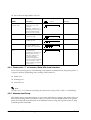
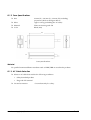
2. Remove the screw from the DIP switch cover. Then take off the DIP switch cover.
DIP switch
cover
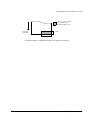
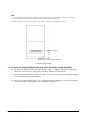
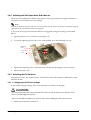
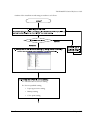
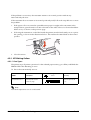
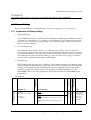
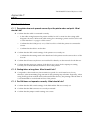
3. Set switches using a pointed tool, such as tweezers or a small screwdriver.
switches
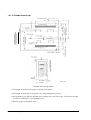
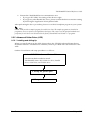
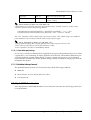
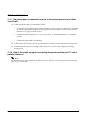
4. Replace the DIP switch cover. Then secure it with the screw.
The new settings take effect when you turn on the printer.
Note:
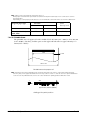
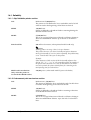
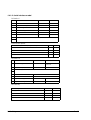
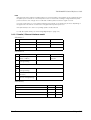
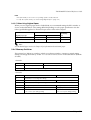
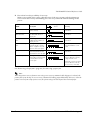
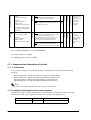
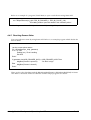
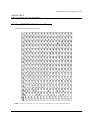
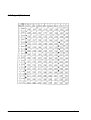
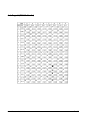
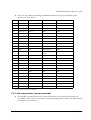
The functions of the switches of are shown in the following sections.
Rev. B
Setup 3-17