1
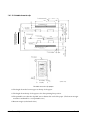
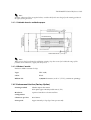
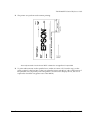
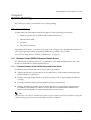
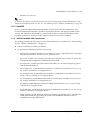
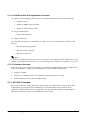
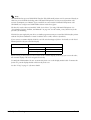
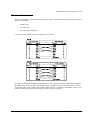
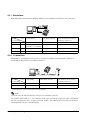
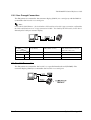
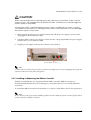
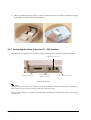
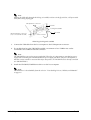
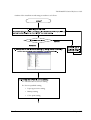
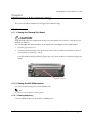
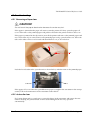
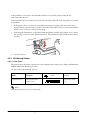
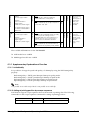
You can connect up to four cables to the printer. They all connect to the connector panel (on the
bottom rear of the printer), which is shown below.
interface
connector
display module
connector
drawer kick-out
connector
power supply
connector
Note:
This illustration shows the serial interface model. The parallel interface connector looks slightly different.
3.1.2.1 Important Installation Notes
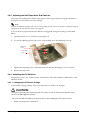
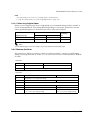
❏ For a serial interface, use a null modem cable.
❏ For a parallel interface, use an IEEE 1284 cable.
❏ For a USB interface, install the driver before connecting the printer.
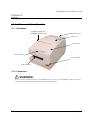
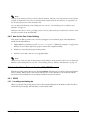
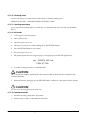
3.1.3 The Control Panel
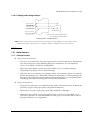
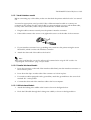
3.1.3.1 LED
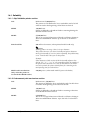
POWER
This light is on when the power is turned on.
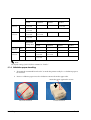
ERROR
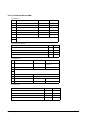
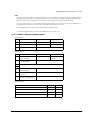
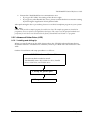
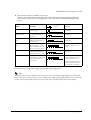
When this light is on but not blinking, it means that the printer is offline. Check to see if a cover
is open. When this light is blinking, there is an error. See “LED Blinking Pattern” in Chapter 4
3-2 Setup
Rev. B