1
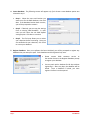
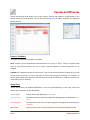
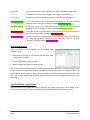
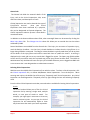
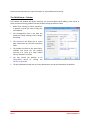
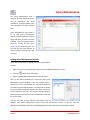
4. Create Database. The following screens will appear only if the Create a new database option was selected in step 3. Step 1. Select the name and location you want to use for the SIMS database, then click Next. If the database location does not exist, you will be prompted to create it. Step 2. If desired, you can copy the settings from an existing SIMS database. In most cases you will select Use the SIMS default settings option. Click Next to continue. Step 3. The final step allows you to review your selections before continuing. Once you are satisfied with your selections, click Finish to create your database. 5. Register Database. Once your software has been initialized, you will be prompted to register any database that you attempt to open. Each database need be registered only once. Page 3 Please contact SIMS customer service at the number shown in the Register Database prompt to register your database. You may work with a database for 60 days without registering it. After sixty days, the database will be locked. Once a database is locked, you must register it before it can be opened. Installation