1
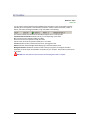
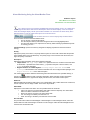
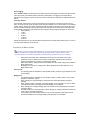
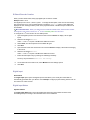
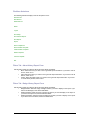
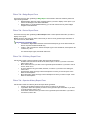
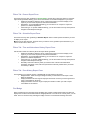
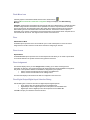
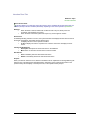
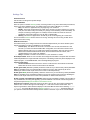
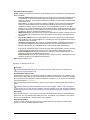
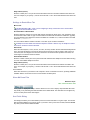
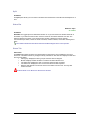
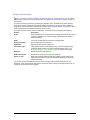
Tour Point Tab
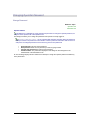
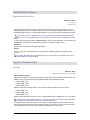
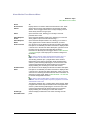
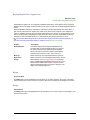
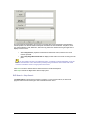
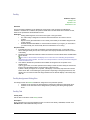
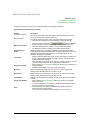
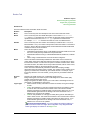
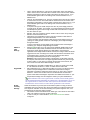
Tour Point Form
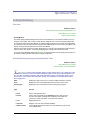
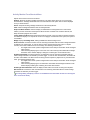
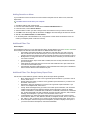
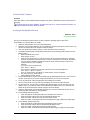
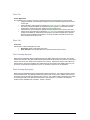
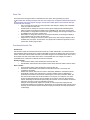
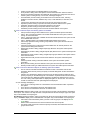
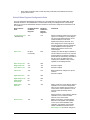
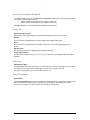
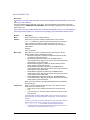
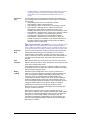
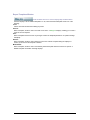
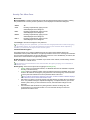
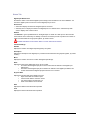
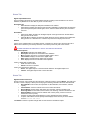
A tour point can be a reader or digital input. You must select one option before you can save this point
record.
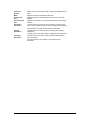
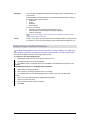
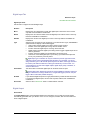
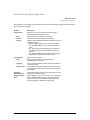
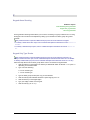
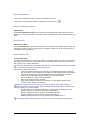
Element
Reader
Description
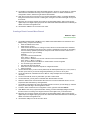
If you selected Reader, this field is available. Select a
reader from the drop-down list of available readers.
When reader records are created, we recommend
that you keep the mmmm-b-pp prefix and add text to
the description field. A complete and accurate reader
description aids in assigning the reader points from this
drop-down list.
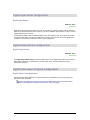
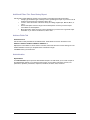
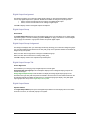
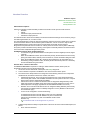
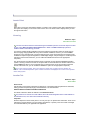
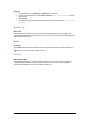
Digital Input
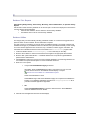
If you selected Digital Input, this field is available. Select a
digital input from the drop-down list of available digital
inputs.
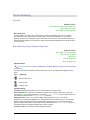
When the digital input records are created, we
recommend that you keep the mmmm-b-pp prefix and add
text in the description field. A complete and accurate
digital input description aids in assigning alarm points
from this drop-down list.
Secure Perfect 6.1.1 User Manual
259