1
Contents
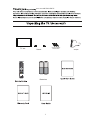
Unpacking the TV / Accessory’s
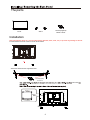
Installing / Removing the Base Stand
1
2
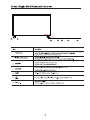
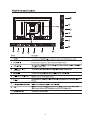
Front / Right Side View and Controls
Rear View and Sockets
3
4
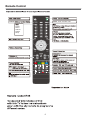
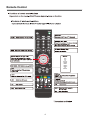
Remote Control
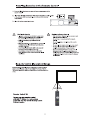
Installing Batteries in the Remote Control
Remote Control Operation Range
5-6
7
7
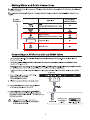
Making Video and Audio Connections
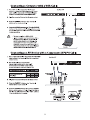
Connecting an AV Device with an HDMI Cable
Connecting a Computer with a VGA Cable
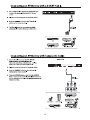
Connecting an AV Device with a Component (YPbPr) cable
Connecting an AV Device with a SCART Cable
Connecting an AV Device with Composite Cable
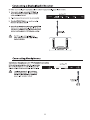
Connecting a Digital Audio Receiver
Connecting Headphones
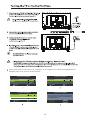
Turning the TV on for the First Time
8
8
9
9
10
10
11
11
12-13
Basic Operation
13
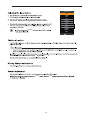
OSD Menu
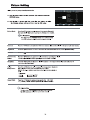
1. Picture Setting
2. Sound Setting
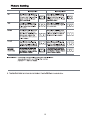
3. Channel Setting
4. Lock Setting
5. Time Setting
6. Option Setting
14-20
14-15
16
17-19
20-21
22
23
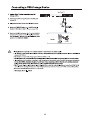
Connecting a USB Storage Device
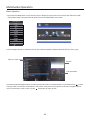
Viewing Photos
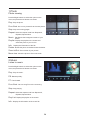
Listening to Music
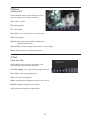
Watching Movies
Viewing Texts
24
26
26
27
27
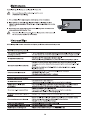
Maintenance
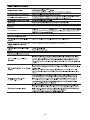
Hints and Tips
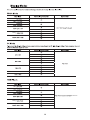
Display Modes
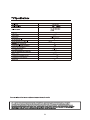
Specifications
Safety Warnings
28
28-29
30
31
32