1
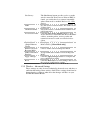
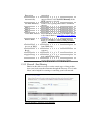
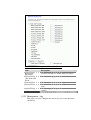
Subnet Mask
Fill in the subnet mask of LAN interfaces of this
WLAN Access Point.
Default Gateway
Fill in the default gateway for LAN interfaces out
going data packets.
DHCP
Click to select Disabled, Client or Server in
different operation mode of wireless Access Point.
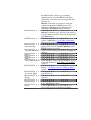
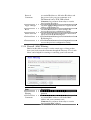
DHCP Client Range Fill in the start IP address and end IP address to
allocate a range of IP addresses; client with DHCP
function set will be assigned an IP address from
the range.
Show Client
Click to open the Active DHCP Client Table
window that shows the active clients with their
assigned IP address, MAC address and time
expired information. [Server mode only]
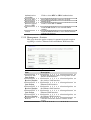
DNS Server
Manual setup DNS server IP address.
Domain Name
Assign Domain Name and dispatch to DHCP
clients. It is optional field.
802.1d Spanning
Select to enable or disable the IEEE 802.1d
Tree
Spanning Tree function from pull-down menu.
Clone MAC Address Fill in the MAC address that is the MAC address
to be cloned. Refer to 4.24 What is Clone MAC
Address?
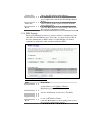
Apply Changes
Click the Apply Changes button to complete the
new configuration setting.
Reset
Click the Reset button to abort change and recover
the previous configuration setting.
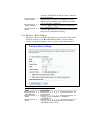
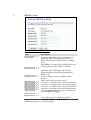
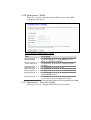
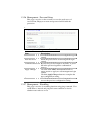
1.2.11 WAN Interface Setup
This page is used to configure the parameters for wide area network
that connects to the WAN port of your WLAN Broadband Router.
Here you may change the access method to Static IP, DHCP, PPPoE
or PPTP by click the item value of WAN Access Type.