1
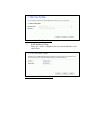
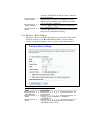
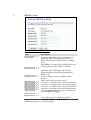
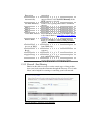
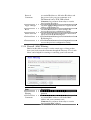
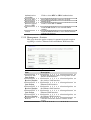
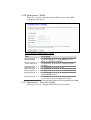
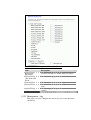
Screen snapshot – VPN Setup-Edit-2
Item
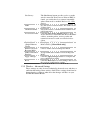
Key Management
Advanced
Connection Type
Connect
Disconnect
ESP
PreShared Key
Remote RSA Key
Status
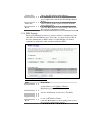
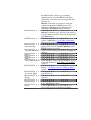
SPI
Encryption Key
Authentication Key
Apply Change
Reset
Refresh
Back
Description
Click to select IKE or Manual mode.
Click Advanced button to configure more IKE
settings.
Click to select Initiator or Responder mode.
Click to connect manually. [Responder mode
only]
Click to disconnect manually. [Responder mode
only].
Click to configure 3DES, AES128 or NULL
encryption.
Click to configure MD5 or SHA1 authentication.
Fill in the key value. [IKE mode only]
Fill in the remote gateway RSA key. [IKE mode
only]
It shows connection status. [IKE mode only]
Fill in Security Parameter Index value. [Manual
mode only]
Fill in encryption key. [Manual mode only]
Fill in authentication key. [Manual mode only]
Click the Apply Changes button to save current
tunnel settings.
Click the Reset button to abort change and
recover the previous configuration setting.
It shows the current connection status. [Manual
mode only]
It returns back to VPN Setup page.