1
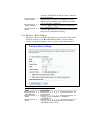
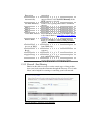
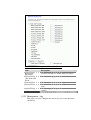
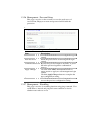
Use 802.1x
Authentication
WPA Authentication
Mode
Pre-Shared Key
Format
Pre-Shared Key
Enable
Pre-Authentication
Authentication
RADIUS Server
Apply Changes
Reset
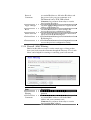
WEP, WPA(TKIP), WPA2 or WPA2 Mixed
Refer to 4.9 What is WEP?
4.15 What is Wi-Fi Protected Access (WPA)?
4.16 What is WPA2(AES)?
4.17 What is 802.1X Authentication?
4.18 What is Temporal Key Integrity Protocol
(TKIP)? 4.19 What is Advanced Encryption
Standard (AES)?
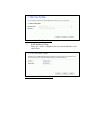
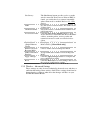
While Encryption is selected to be WEP.
Click the check box to enable IEEE 802.1x
authentication function.
Refer to 4.16 What is 802.1x Authentication?
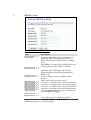
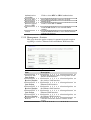
While Encryption is selected to be WPA.
Click to select the WPA Authentication Mode
with Enterprise (RADIUS) or Personal
(Pre-Shared Key).
Refer to 4.15 What is Wi-Fi Protected Access
(WPA)?
While Encryption is selected to be WPA.
Select the Pre-shared key format from the
pull-down menu. The format can be Passphrase
or Hex (64 characters). [WPA,
Personal(Pre-Shared Key) only]
Fill in the key value. [WPA, Personal(Pre-Shared
Key) only]
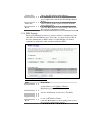
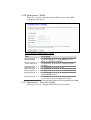
Click to enable Pre-Authentication.
[WPA2/WPA2 Mixed only, Enterprise only]
Set the IP address, port and login password
information of authentication RADIUS sever.
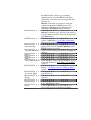
Click the Apply Changes button to complete the
new configuration setting.
Click the Reset button to abort change and
recover the previous configuration setting.