1
6.1 Connecting to an ADSL Line
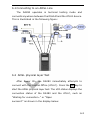
The DA280 operates in terminal testing mode and
connects anywhere between the DSLAM and the ATU-R device.
This is illustrated in the following figure:
6.2 ADSL physical layer Test
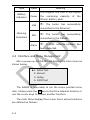
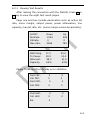
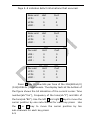
After Power On, the DA280 immediately attempts to
connect with the Central Office (ATU-C). Press the OK key to
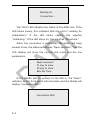
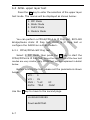
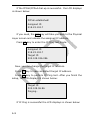
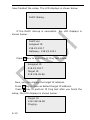
start the ADSL physical layer test. The LCD status displays the
connection status of the DA280 and the ATU-C, such as
“Waiting for connection…” or “Open
success!!” as shown in the display below:
6-2