1
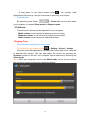
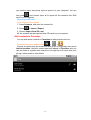
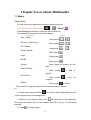
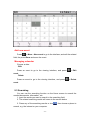
View and receive an invitation
1. Press menu button
from contact list interface,and choose More,
then press Invites. All the invitation sent and received will be listed here.
2. Press any of the pending invitations to accept or refuse.
Note: When the contact you invited accepts your invitation, the related
invitation will disappear from the pending invitation list.
Change your online status and words you want to share
1. Press the online status bar beside your name, and choose to change to
the status you need.
2. Press Status message below the status bar to enter the words you
want to share with your friends.
3. Press Done to end setting.
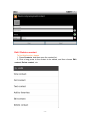
Chat with your friends
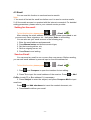
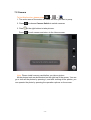
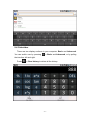
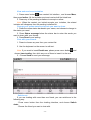
1. Press to choose any one from your contact list.
2. Use the keyboard on the screen to edit text.
Note: If you want to insert Emoticons, please press menu button
, and
choose Insert smiley, then click any one of them to insert it to the text.
3. Choose Send to send your message.
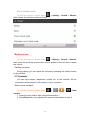
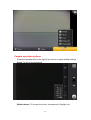
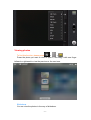
Switchover
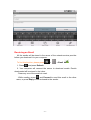
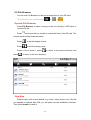
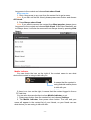
If you are chatting with more than one friend, you can switchover in the
following way.
· Press menu button from the chatting interface, and choose Switch
chats.
· Choose the friend you want to chat with.
- 54 -