1
v5.0 UNCERTAIN TAX POSITIONS
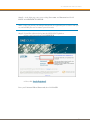
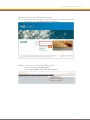
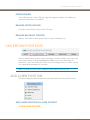
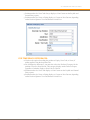
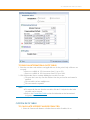
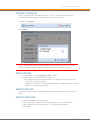
TO RELOAD THE FX RATES TABLE:
Click Reload to refresh the FX Rates table
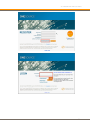
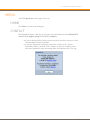
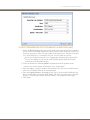
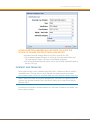
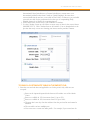
TO CANCEL CHANGES:
After editing rates, you may want to erase the changes you made. This option is available
before clicking Save.
1. Click Cancel
2. Click OK
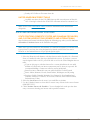
LABELS
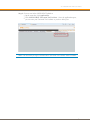
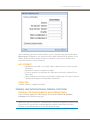
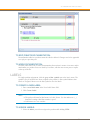
Select the Labels & Groups tab to manage labels and label groups. You would create Labels
and Label Groups in order to represent the data as required for Uncertain Tax Positions and
Reserves. A label can be part of a label group. Also, a label group can be part of a label
group.
This is a way to flag different positions and bring them together on reports so that you could
group them one way for management reporting then group them another way for the IRS
Schedule UTP. You also might want to group them at a different way for your Journal
Entries.
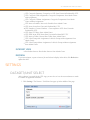
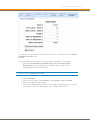
LABEL ADMIN
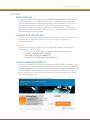
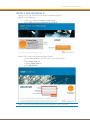
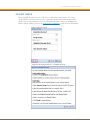
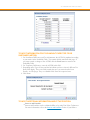
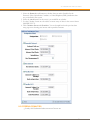
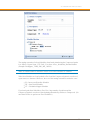
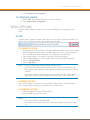
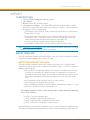
Select Labels from the Manage drop-down menu.
TO ADD A NEW LABEL:
1. Click Add
2. Type the new Label Name
3. Click Save
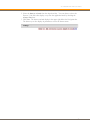
Note:
Label Codes are a new feature for v.5.0
The preferred format for label names is: Label_Name. Use the underscore ( _ )
instead of creating a label name that contains a space.
Label names are case sensitive.
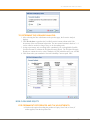
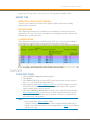
TO IMPORT A LABEL:
1. Click Import Labels/Groups
2. Type the new Label Name
3. Click Save
TO EXPORT A LABEL:
1. Click Export Labels/Groups
2. Type the new Label Name
3. Click Save
36