1
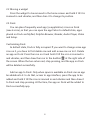
Move an app icon: In the app interface, press the icon and hold it till
the icon is zoomed in and vibrates and then draw the icon to change its
position.
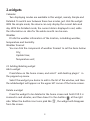
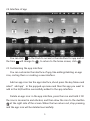
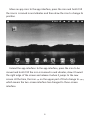
Extend the app interface: In the app interface, press the icon to be
moved and hold it till the icon is zoomed in and vibrates, draw it toward
the right edge of the screen and release it when it jumps to the new
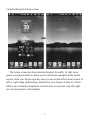
screen. At the time ,the icon
on the upper part of Dock change to
which means the two-screen interface has changed to three-screen
interface.
6
,