1
1 Network Setup
1.1 Network Status
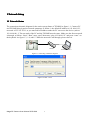
The connection schematic diagram for the entire system frame of TS38MN as figure 1.1. Connect PC
and TS38MN directly and set network parameter as follow: 1.the default IP address is 192.168.0.123,
net mask is 255.255.255.0, so you must add a IP address make the PC can access the device (such as
192.168.0.88). 2. The net mask of the PC and the TS38MN must be same. Make sure the direct network
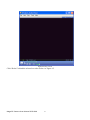
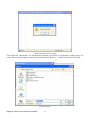
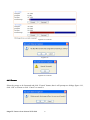
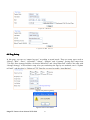
is through, as follow: “Start”-“Run”-enter “cmd” then enter “ping 192.168.0.123” and press “enter” on
the keyboard. As figure 1.3, 1.4, and1.5. While the network is not through, please check it.
Switches
Surveillance Client P C
Figure1.1 connecting schematic diagram
Figure1.2 enter “cmd”
Mega3 IP Camera User Manual 2012-04A
5