1
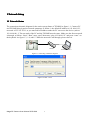
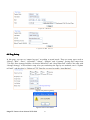
Figure 1.5 networks is not through
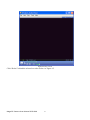
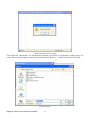
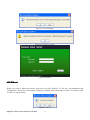
After then, power on. Enter the IP address in IE browser and press “enter”. Then it will display the
following interface as figure1.6, and then enter user name (admin) and password (123456) and click
“Login”.
Figure 1.6 Login interface
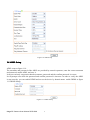
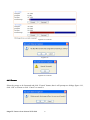
After enter system select and click “Network Setup”, it will display interface as figure 1.7, displaying
the IP address, gateway, net mask and DNS and so on. The detail information please refers to the actual
configuration.
Figure 1.7 Network status
Mega3 IP Camera User Manual 2012-04A
7