1
FTP Command and Subcommand Reference
More info:
369
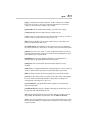
This command uploads the specified file from the
current directory on the local system to the current
working directory on the remote system. The second
parameter lets you save the file with a different name
than the name used on the local system.
You can use this command to upload only one file at a
time. To upload multiple files, use the mput command.
This command is the same as the put command.
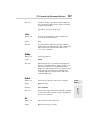
status
What it does:
Displays the current status of the FTP client
Syntax:
status
More info:
Use this command to display the current settings of
options, such as bell, prompt, and verbose, as well
as the current connection status.
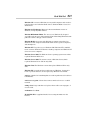
trace
What it does:
Activates Trace mode
Syntax:
trace
More info:
When Trace mode is on, detailed information about
each packet transmission is displayed. trace is off by
default and should be left off unless you’re digging
deep into the bowels of FTP or just want to show off.
type
Sets the transfer type to ASCII or binary or displays the
current mode
Syntax:
type [ascii or binary]
Examples:
type ascii
type binary
type
Book IV
Chapter 5
Using FTP
What it does: