1
Chapter 5.
Transferring Data
This chapter includes information about:
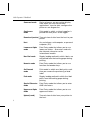
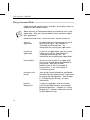
Connecting the
Communications
Cable
To establish communications, you need to
connect a cable interface. See
"Connecting the Communications Cable"
later in this chapter.
Receiving Data
You may want to download lookup tables,
data collect records, format files or an
application to the printer. See "Receiving
Data" later in this chapter.
Sending Data
You may want to upload data collection
records to the host. See "Sending Data"
later in this chapter.
Setting the
Communication
Parameters
To send or receive data, the
communications parameters at the printer
must match the host. See "Setting
Communications Parameters" later in this
chapter.
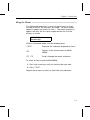
Connecting the Communications Cable ––––––––––––––––––––––––
Before you can send or receive data from the host, you must
attach a fully charged handle and connect the communications
cable.
n
Ask your System Administrator if you need to set the
communications parameters in the printer.
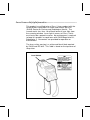
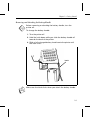
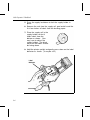
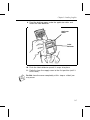
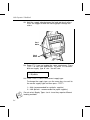
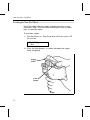
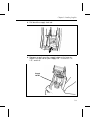
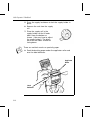
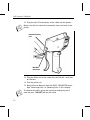
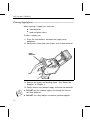
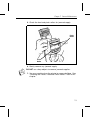
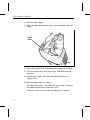
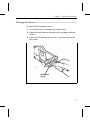
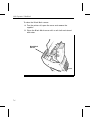
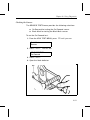
To connect the communications cable:
1. Turn the printer off.
5-1