1
6030 Operator’s Handbook
Using Numeric Mode
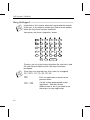
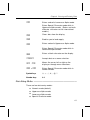
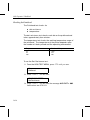
Numeric mode is the default mode of the printer. This mode
allows you to use the following keys on the keypad:
F
Numeric keys
F
Symbol keys
F
A - f keys
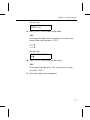
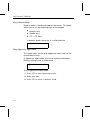
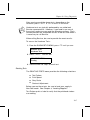
In Numeric mode, the cursor is a solid underline.
_
Using Uppercase Alpha Mode
This mode allows you to enter uppercase letters and use the
up and down arrows.
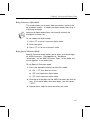
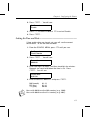
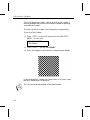
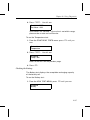
In Uppercase Alpha mode, the cursor alternates between a
blinking rectangle and an underscore.
❚
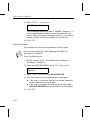
To use Uppercase Alpha mode:
1. Press s to enter Uppercase mode.
2. Enter your data.
3. Press s to return to Numeric mode.
4-4