1
Company Confidential
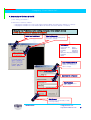
7. Video Setting for Net Cam & Net TX
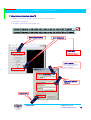
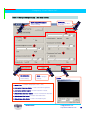
- Changes FPS (Frames per Second), Resolution and etc. of Net Cam/Net TX.
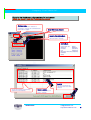
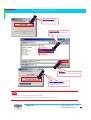
1) Run “Admin_Tool4.40.exe “.
2) See page 5 “Connecting to Net Cam & Net TX”
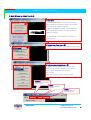
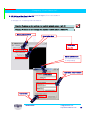
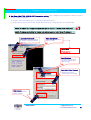
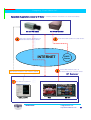
Changing IP addresses of local or inter network cameras and other settings (with IP address)
Preliminary Document
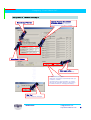
Changing IP addresses of local or inter network cameras and other settings (without IP address)
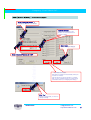
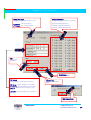
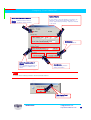
Check Local and Internet
Select Setting Mode
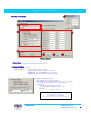
Setting Mode
NTSC/PAL Decoder
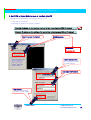
Input IP Address
Input IP Address and Port
# of camera that you
wish to change.
Input admin. Name and
Password
Click Connect
Avidacom SA
[email protected]
http://www.avidacom.com
15