1
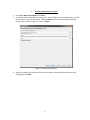
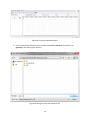
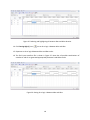
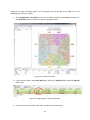
4. Set the simulation time by selecting Edit > Set End Time from the Waveform Editor. Entering 1us
for the simulation time.
Figure 20. Setting simulation time.
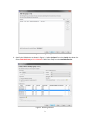
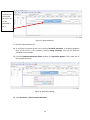
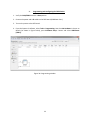
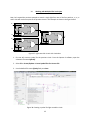
5. Add input and output signals. Click Edit > Insert > Insert Node or Bus (or double click on the left
pane of the waveform) to open a node finder window.
Figure 21. Insert Node or Bus window.
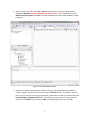
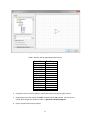
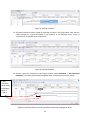
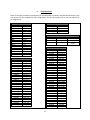
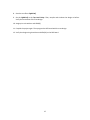
6. Click Node Finder button. Make sure to select Pins: all from the drop down list of the Filter field
then click List button.
7. Click >> button.
15