1
Chapter 6: Performing Physical Extraction
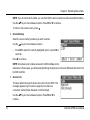
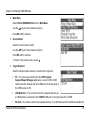
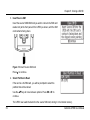
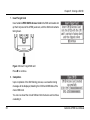
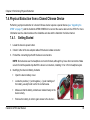
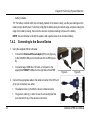
3. Remove the device battery to expose the battery contacts.
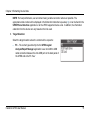
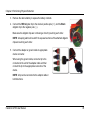
4. Connect the RED alligator clip to the device’s positive pole (‘+’), and the Black
alligator clip to the negative pole (‘–’).
Make sure the alligator clips are not closing a circuit by touching each other.
NOTE: A beeping alarm will sound if the exposed sections of the attached alligator
clips are touching each other.
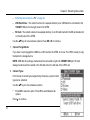
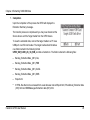
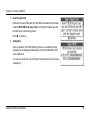
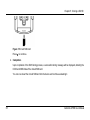
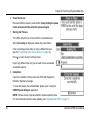
5. Connect the adapter or generic cable to appropriate
device connector.
When using the generic cable, connect a tip to the
connector at the end of the adapter cable and then
connect the tip to the appropriate connector of the
device.
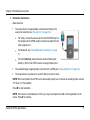
NOTE: A tip can be connected to the adapter cable in
both directions.
Cellebrite UFED User Manual
45