1
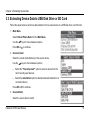
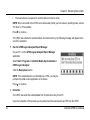
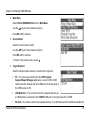
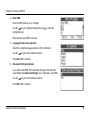
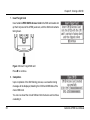
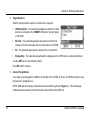
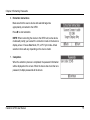
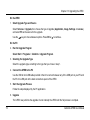
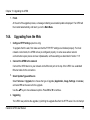
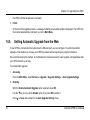
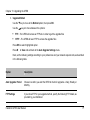
Chapter 8: Extracting Passwords 4. Target Selection Select the target location where the content will be copied to: USB Flash Drive - The extracted passwords are stored on a USB disk drive connected to the TARGET USB port on the right panel of the UFED. SD Card - The extracted passwords are stored on an SD card inserted in the SD card reader slot on the left panel of the UFED. PC - The extracted passwords are stored on the connected PC. Display Only - The extracted passwords will be displayed on the UFED screen, without storing them. Use the keys to move between options. Press OK or to continue. 5. Connect Target Media If you have not yet plugged the USB drive or SD card into the UFED, do it now. The UFED is ready to copy the data to the storage device. NOTE: USB disk drive storage media should be connected to right side Target port. SD card storage media should be inserted in the SD card slot on the left side of the UFED unit. 56 Cellebrite UFED User Manual