1
Setting Up Rota’s and Availability
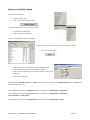
Access / Start Up MIS
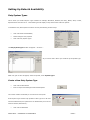
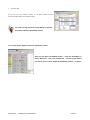
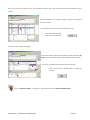
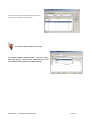
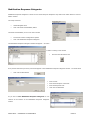
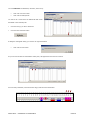
Double click onto the Pharos icon
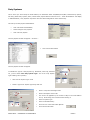
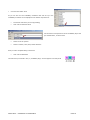
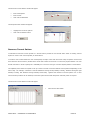
You may get a Database Logon box appear - if so –
•
Click the Cancel button
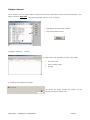
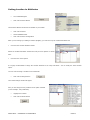
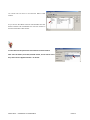
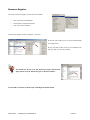
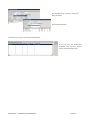
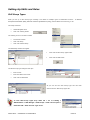
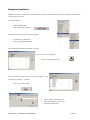
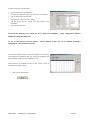
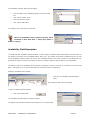
The Application Register window will open
The Application Register sometimes gives you more than one option
to choose from, if this is the case
•
Enter your Username
•
Enter your Password
•
Click onto the Servers arrow
•
Click onto a Station
•
Click onto the Pharos option
•
Click onto the Open Application button
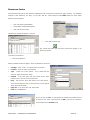
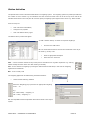
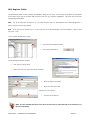
If you only work at the one Brigade, then this option should be defaulted to your brigade.
•
Click onto the Login button
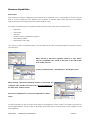
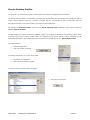
Depending on your Privileges
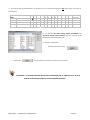
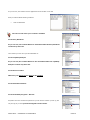
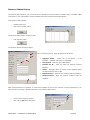
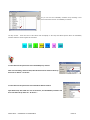
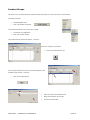
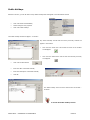
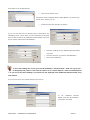
You may get a Select Office box appear – if so:
•
Select an Office
•
Click OK
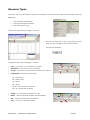
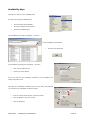
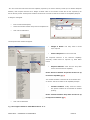
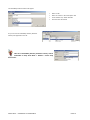
The Global Navigator window will appear on your screen
SOPHTLOGIC – COMMERCIAL IN CONFIDENCE
PAGE:3