1
Response Conditions
Response Conditions is were the user would setup the ‘Incident Conditions’ drop down list in the Response Profile window
in Service Delivery Profile.
The setup as follows:
•
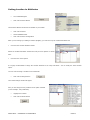
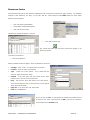
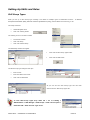
Global Navigator Menu
•
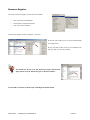
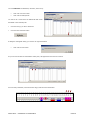
Click onto Incident Command
The Incident Command is now in the menu toolbar
•
Scroll down to Configuration
•
Click onto Response Conditions
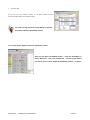
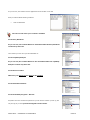
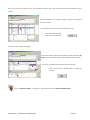
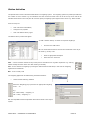
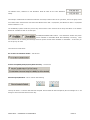
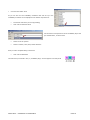
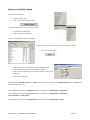
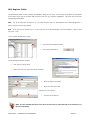
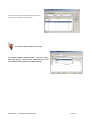
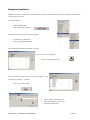
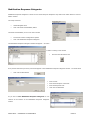
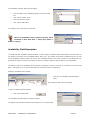
The Incident Groups window will appear – as shown -
If there is nothing in the window
Click onto the ‘Paint Brush’ icon
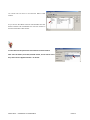
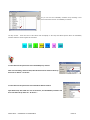
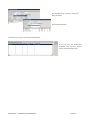
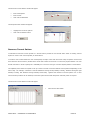
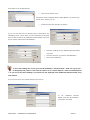
If any entries that where previously entered will appear in the
‘Incident Group’ window – as shown –
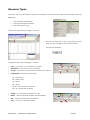
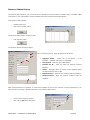
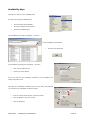
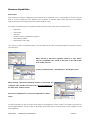
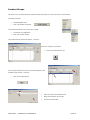
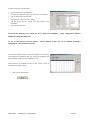
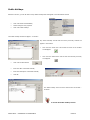
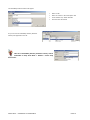
Click onto the ‘New’ button
Enter a ‘Incident Conditions Code’
Enter the ‘Description’ of the ‘Code’
Click onto the ‘OK’ button
SOPHTLOGIC – COMMERCIAL IN CONFIDENCE
PAGE:51