1
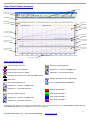
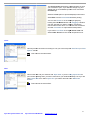
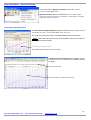
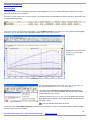
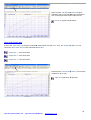
If DJHP Correction option box is NOT Ticked, the Power and Torque data displayed is the ‘True Rear Wheel’ power
being transferred to the dynamometer. ‘True Wheel Power’ will always read lower than crank estimated power.
The correction settings for this function will always be displayed and printed in the bottom right of the primary graph.
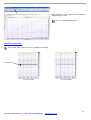
Drop Down Menus - ‘File’
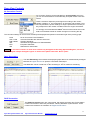
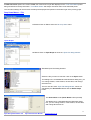
Left Mouse Click on File to show the ‘file drop-down’ menu.
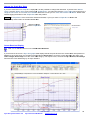
‘Open Graph’
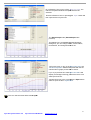
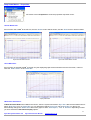
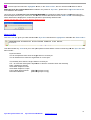
Left Mouse Click on Open Graph to show the ‘Open File dialog window’.
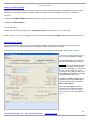
Standard Open File Dialog Window
Select the file you wish to view then click on the Open button.
This dialog box is a standard Microsoft Windows dialog box; you
can change folders, create folders, rename files, and change
directories etc.
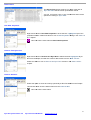
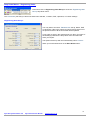
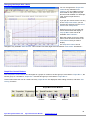
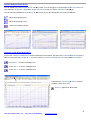
There is also two other ‘Open File Dialog Modes’, which are
activated by the Show Notes button and the Show Graph
button.
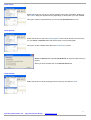
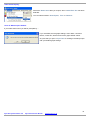
The Show Notes mode (Show Notes button pressed)
This dialog box is a standard Microsoft Windows dialog
box; you can change folders, create folders, rename files,
and change directories etc.
Dyna Pro Dynamometers Ltd
Dyna View V2 User Manual
www.dynapro.co.uk
4