1
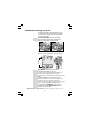
Setting up continue...
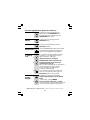
LCD
CONTRAST
5
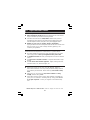
Press MENU button to confirm.
6
Continue with programming, or press EXIT
button to return to standby mode.
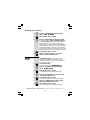
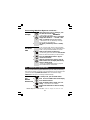
1
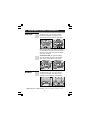
Press MENU button.
.
Ö The display shows OPTIONS MENU
Press UP or DOWN button until the display
shows LCD CONTRAST
CONTRAST.
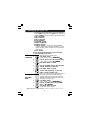
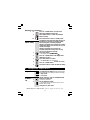
2
3
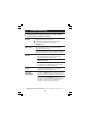
Press MENU button to confirm.
4
Press UP or DOWN button to select your
comfortable display viewing level (1~5). The
default setting is 3.
Press MENU button to confirm.
5
6
MESSAGE
LENGTH
1
2
Continue with programming, or press EXIT
button to return to standby mode.
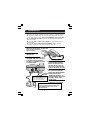
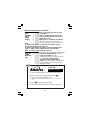
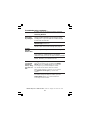
To set the maximum recording time for each incoming
message or memo message on the Answering Machine.
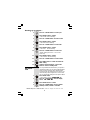
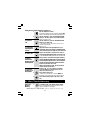
Press MENU button.
Ö The display shows OPTIONS MENU
.
Press UP or DOWN button until the display
LENGTH.
shows MESSAGE LENGTH
3
Press MENU button to confirm.
4
Press UP or DOWN button to select 1 or 2
minutes. The default setting is 2 minutes.
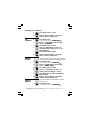
5
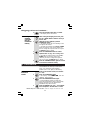
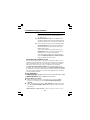
Press MENU button to confirm the MESSAGE
LENGTH setting.
Continue with programming, or press EXIT
button to return to standby mode.
6
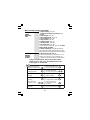
RINGS TO
ANSWER
To set the number of rings before the machine
answers a call;
1
Press MENU button.
Ö The display shows OPTIONS MENU
.
Binatone Help Line - 0845 345 9677 Calls are charged at Local Call rate.
9