1
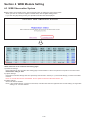
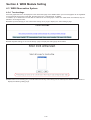
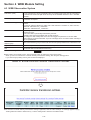
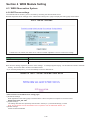
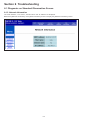
Section 4 WEB Module Setting 4-3 WEB Observation System 4-3-6 Change-state settings Set how the WEB module works when the state of the specified controller data (BOOL type data or data converted to industry value type) changes. State-change setting can be performed for up to 32 items. Click the [Change-state settings] on the “Observation setting menu” page to display the “Change-state settings” page. Click the [New setting] on the “Change-state settings” page to display the setting page shown below. Select data for change-state setting and click the [Select] button. The event setting page is displayed. The event setting page varies depending on the selected data type (BOOL type or industry value type). 4-28