1
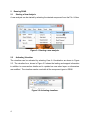
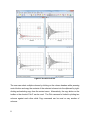
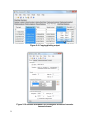
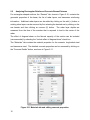
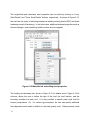
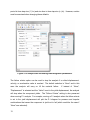
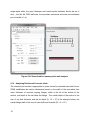
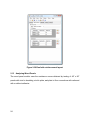
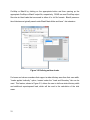
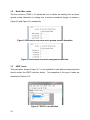
Figure 2-8 Plots in DPlot.
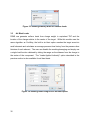
The user can select multiple columns by clicking on the column headers while pressing
control button and copy the contents of the selected columns into the clipboard by rightclicking and selecting copy from the context menu. Alternatively, the copy button on the
toolbar or the shortcut Ctrl+C can be used. The Plot command is limited to plotting two
columns against each other while Copy command can be used on any number of
columns.
8