1
Chapter 9. Run Execution
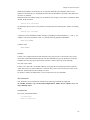
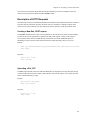
Submit a run and wait for the run to complete:
enfsub -wait sample.run
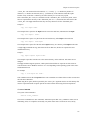
Submit a run, wait for the run to complete, and copy its directory to a subdirectory on the local host:
enfsub -rd sample.run
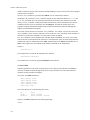
Submit a run and fetch output files as they are begin created:
enfsub -fetch -pd 1 sample.run
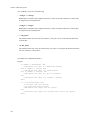
Attach to an existing run, wait for the run to complete, and copy its directory to the local current working
directory:
enfsub -attach -results sample.run
Additional enfsub options are described in the Section called The Enfsub Program in Chapter 10.
Retrieval with a Custom Program
External applications can retrieve results by using the HTTP based interface. Direct retrieval of files,
using the EnFuzion API interface, is not supported.
The HTTP interface can be used to retrieve all the results after the run completes or to retrieve the results
incrementally as jobs are still executing.
Results can be retrieved at the end of a run as follows:
•
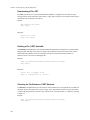
check that the run completed with the POST runcompleted command:
POST /cgi/runcompleted?runid=<run-ID>
The argument is mandatory. When this request returns 1, move to the next step. Otherwise, try again
later.
•
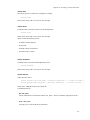
get a list of all run files with the POST getallfiles command:
POST /cgi/getallfiles?runid=<run-ID>
The argument is mandatory. This request returns a list of all files in the run directory.
•
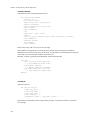
download all the files from the list using the GET request;
GET <run-ID>/<file_name>
Arguments are mandatory. The body of the response contains file content. <file_name> is the source
file path and name in the run directory on the EnFuzion root computer.
218