1
Section 11: Data Manipulation
Mark Nicholls – ICT Lounge
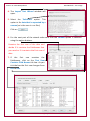
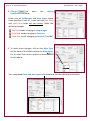
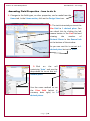
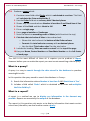
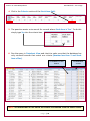
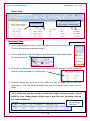
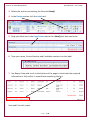
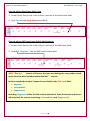
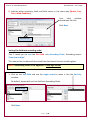
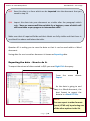
When all of the changes have been made, click on
10.Select
.
twice.
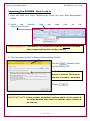
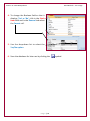
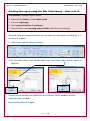
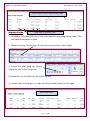
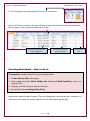
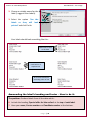
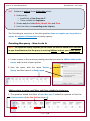
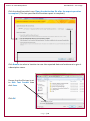
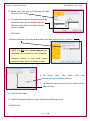
11.On the screen where Access is asking you about a Primary Key you should ensure
that you select the option ‘Let Access add primary key’.
This adds a new field called ID to the table.
NOTE: Primary Keys ensure that each record can be uniquely identified.
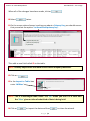
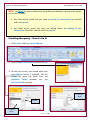
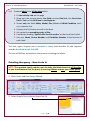
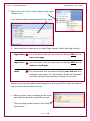
12.Click on
.
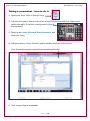
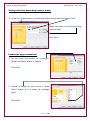
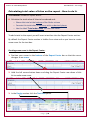
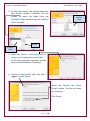
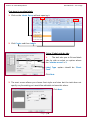
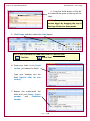
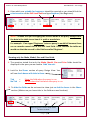
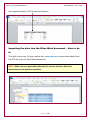
13.In the Import to Table: box
enter ‘tblKites’.
NOTE: This is a meaningful table name. The ‘tbl’ shows you that it is a table and
the ‘Kites’ gives an idea of what kind of data is being held.
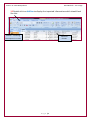
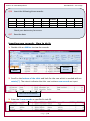
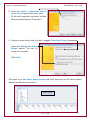
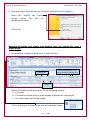
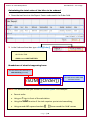
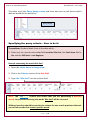
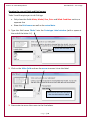
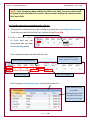
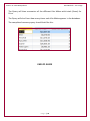
14.Click on
to import the data and then
Page |8
to close the wizard.