1
9145EMP NID Software User’s Manual
System Configuration
Trap Configuration
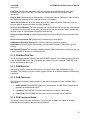
3.1.4.2 Delete a Trap Table Entry
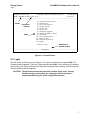
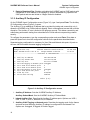
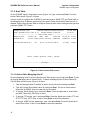
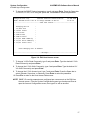
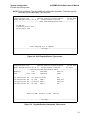
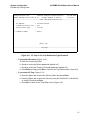
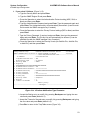
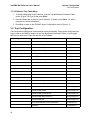
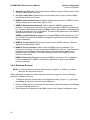
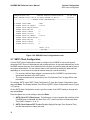
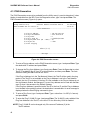
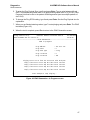
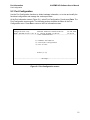
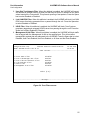
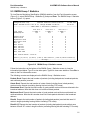
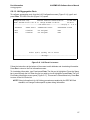
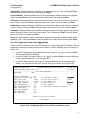
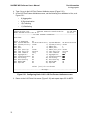
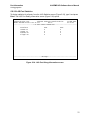
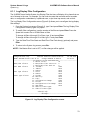
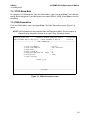
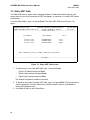
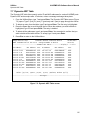
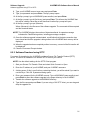
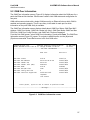
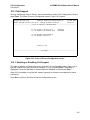
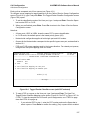
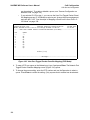
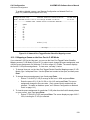
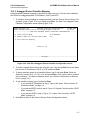
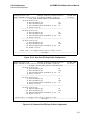
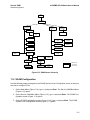
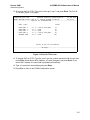
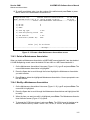
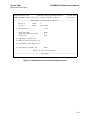
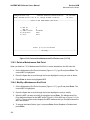
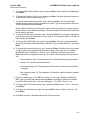
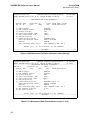
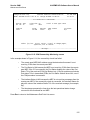
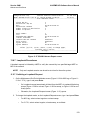
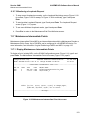
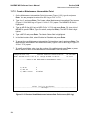
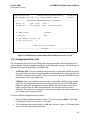
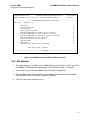
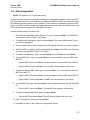
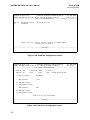
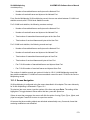
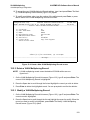
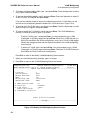
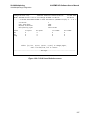
1. To delete a Managing Host IP address, from the Trap Notification Destination Table
screen (Figure 3-9), type D and press Enter.
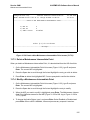
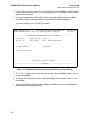
2. Press the Space bar to select a Host IP address. To delete, press Enter. You will be
prompted to confirm the deletion.
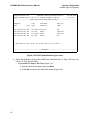
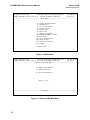
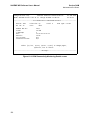
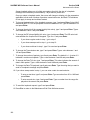
3. Press Esc to return to the IPSN MP Agent Configuration screen (Figure 3-2).
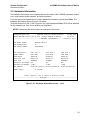
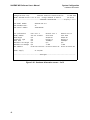
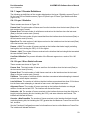
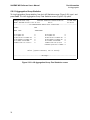
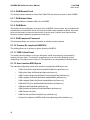
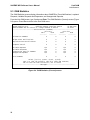
3.2 Trap Configuration
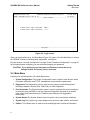
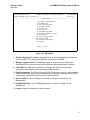
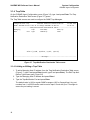
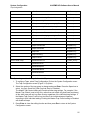
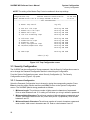
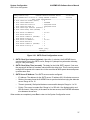
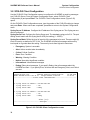
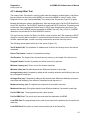
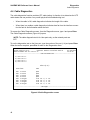
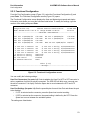
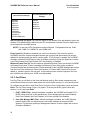
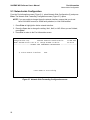
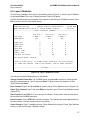
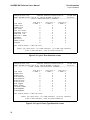
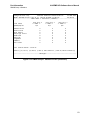
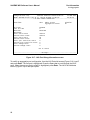
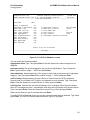
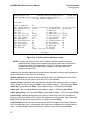
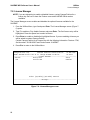
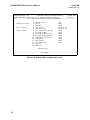
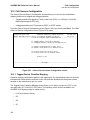
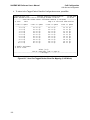
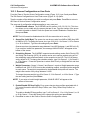
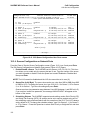
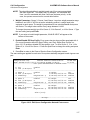
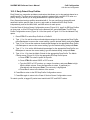
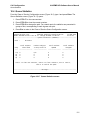
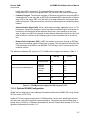
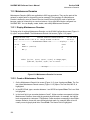
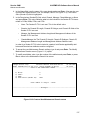
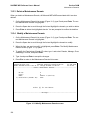
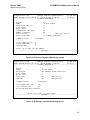
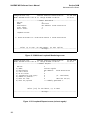
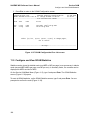
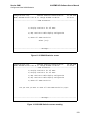
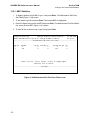
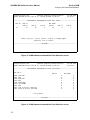
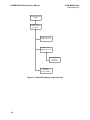
Trap configuration defines how various alarms events are handled. Traps can be configured to be
logged, sent to the SNMP managers in the Trap Notification/Destination Table, or both logged
and sent for each event. Traps can also be set to Disabled.
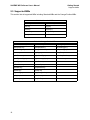
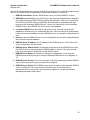
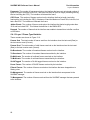
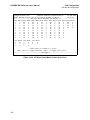
Trap Config Item
Traps Affected
Master Trap Control
All
User Port Link Traps
linkUp (User Port)
ifmib.my
linkDown (User Port)
ifmib.my
linkUp (Network Port)
ifmib.my
linkDown (Network Port)
ifmib.my
cp9145EPortRemoteFaultReceived
cp9145EStatus.my
cp9145EPortSendingRemoteFault
cp9145EStatus.my
cp9145EPortRemoteFaultCleared
cp9145EStatus.my
Cold Start Traps
coldStart
v2-mib.my
Authentication Traps
cpAuthenticationFailure
cpMgmtStatus.my
Diagnostic Traps
cpPortLoopbackOn
cpLoopback.my
cpPortLoopbackOff
cpLoopback.my
entConfigChange
EntityMib.my
Network Port Link Traps
Remote Fault Traps
Entity Configuration Traps
Fan/Power/Temperature Traps cpMainBoardVoltageLevelsOK
24
MIB Location
cpStatus.my
cpMainBoardVoltageLevelsOutOfRange
cpStatus.my
cpDyingGasp
cpPowerSupply.my
cpPowerSupplyFailed
cpPowerSupply.my
cpPowerSupplyOverHighLimit
cpPowerSupply.my
cpPowerSupplyUnderLowLimit
cpPowerSupply.my
cpPowerSupplyOK
cpPowerSupply.my
cpFanShutDownDueToLowTemperature
cpFanStatus.my
cpFanOK
cpFanStatus.my