1
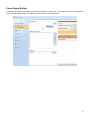
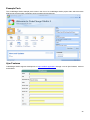
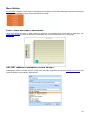
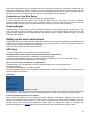
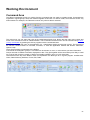
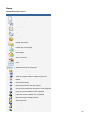
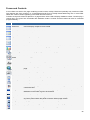
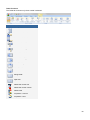
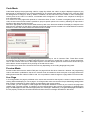
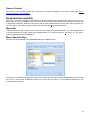
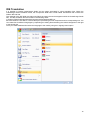
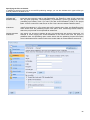
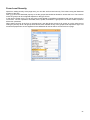
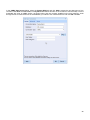
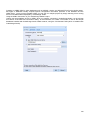
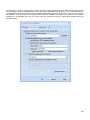
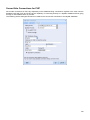
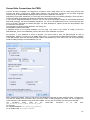
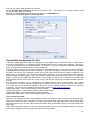
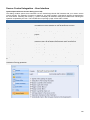
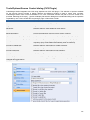
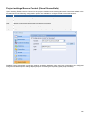
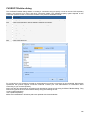
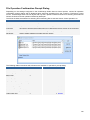
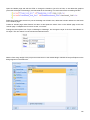
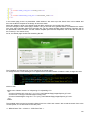
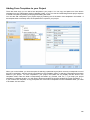
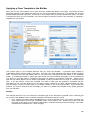
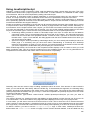
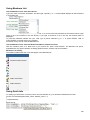
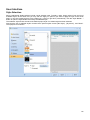
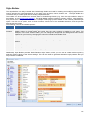
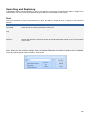
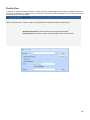
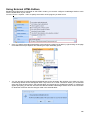
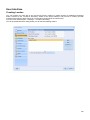
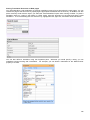
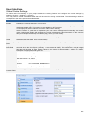
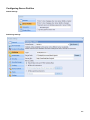
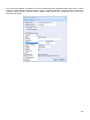
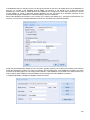
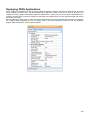
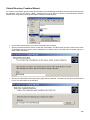
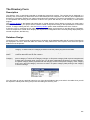
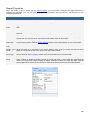
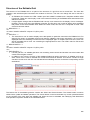
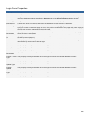
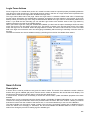
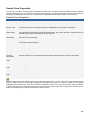
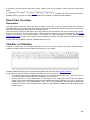
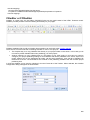
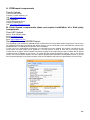
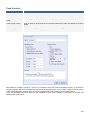
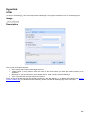
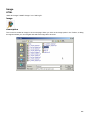
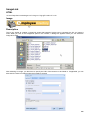
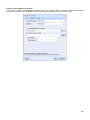
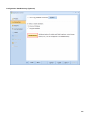
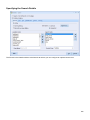
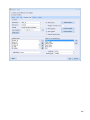
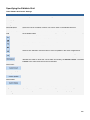
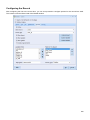
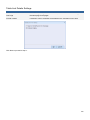
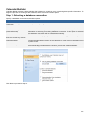
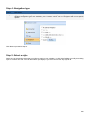
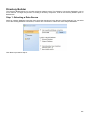
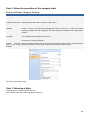
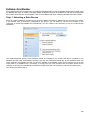
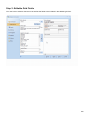
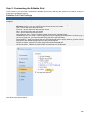
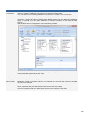
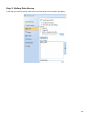
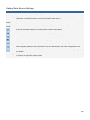
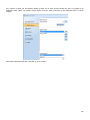
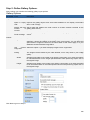
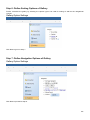
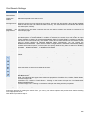
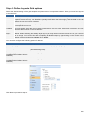
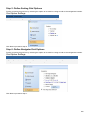
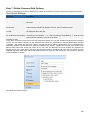
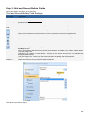
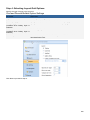
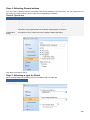
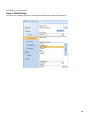
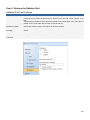
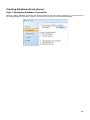
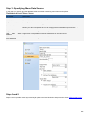
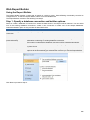
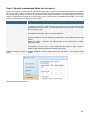
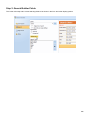
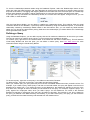
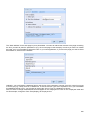
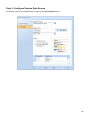
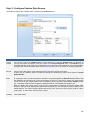
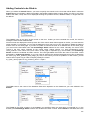
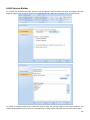
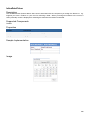
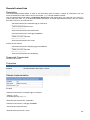
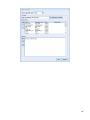
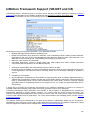
In CCS the CKeditor can be used by selecting it from the Forms tab of the Toolbox. When selected, the CKeditor
configuration dialog will appear as shown below.
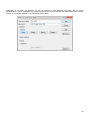
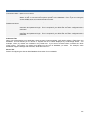
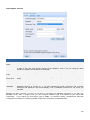
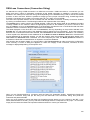
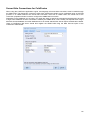
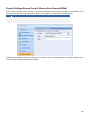
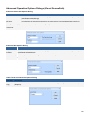
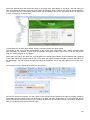
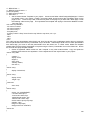
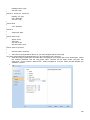
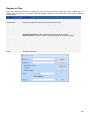
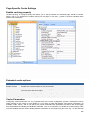
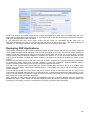
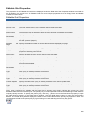
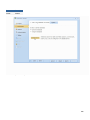
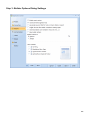
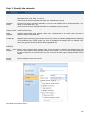
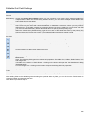
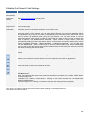
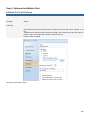
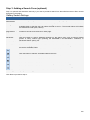
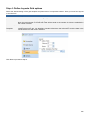
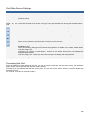
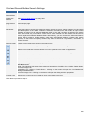
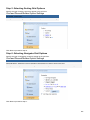
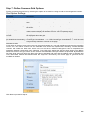
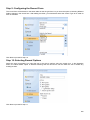
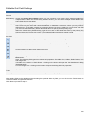
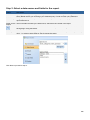
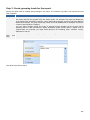
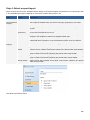
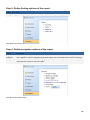
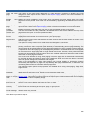
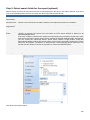
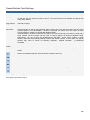
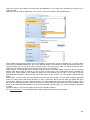
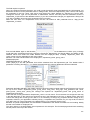
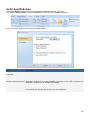
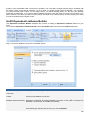
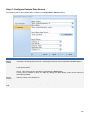
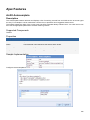
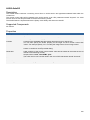
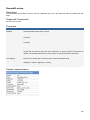
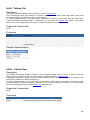
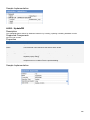
The options shown in the dialog are same as in the Attach CKeditor action, which is automatically added the On
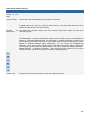
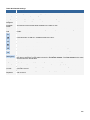
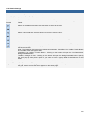
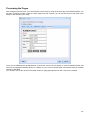
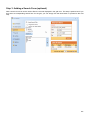
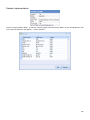
Load client event of the TextArea control created at the same time. Selecting this action exposes CKeditor
parameters configured via the above dialog where you can further modify them as needed. As you may suspect,
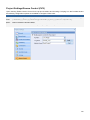
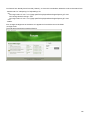
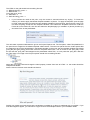
you could also add CKeditor to your page by manually attaching the Attach CKeditor action to the On Load client
event of an existing TextArea and configuring it.
261