1
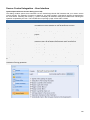
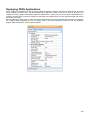
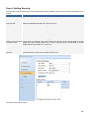
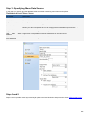
Step 4: Setting Security
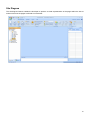
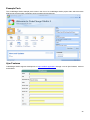
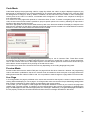
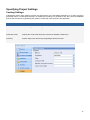
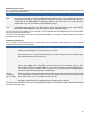
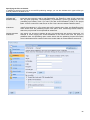
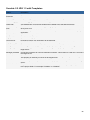
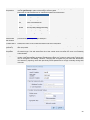
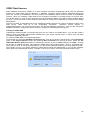
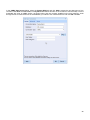
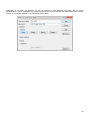
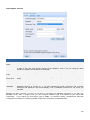
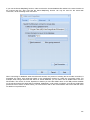
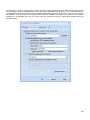
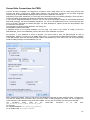
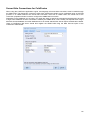
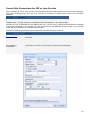
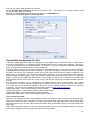
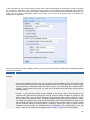
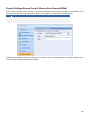
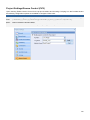
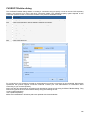
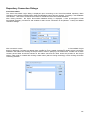
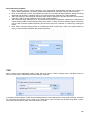
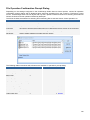
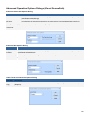
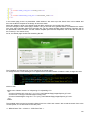
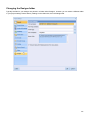
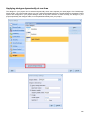
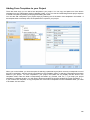
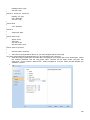
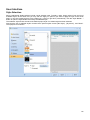
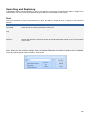
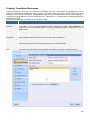
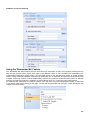
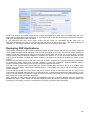
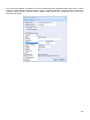
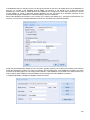
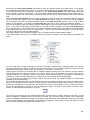
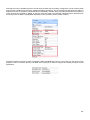
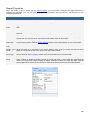
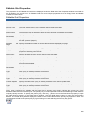
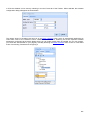
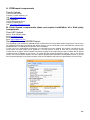
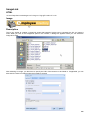
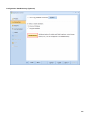
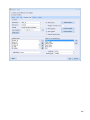
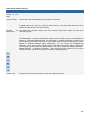
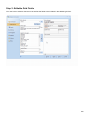
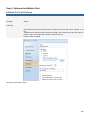
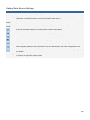
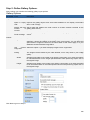
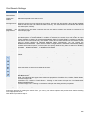
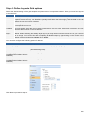
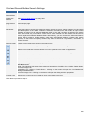
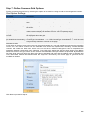
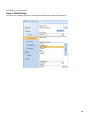
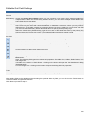
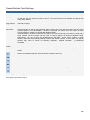
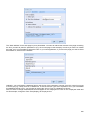
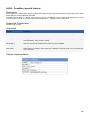
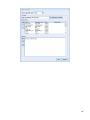
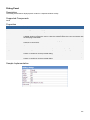
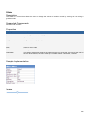
The next step involves setting the Access Authentication Dialog Settings, which are the security mechanism of the
project.
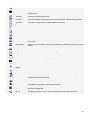
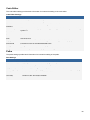
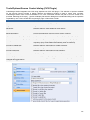
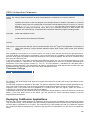
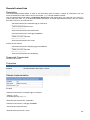
Parameters
Description
Use authentication
Select this option if you want your pages to have security authentication.
User Table
Select the table where user authentication information is contained.
User ID Field
Select the database field with the unique user ID's.
Login Field
Select the database field with the Login name of the users.
Password Field
Select the database field with the user passwords.
Level/Group Field
Select the field with the user security levels.
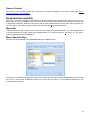
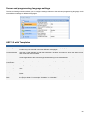
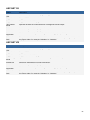
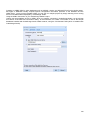
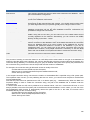
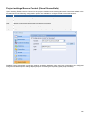
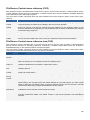
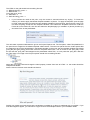
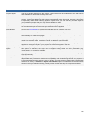
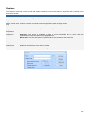
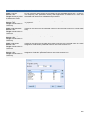
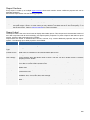
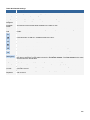
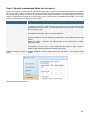
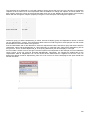
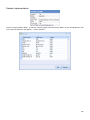
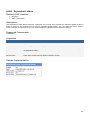
Security Groups
This table contains a list of all the security groups that registered users can belong to.
Group ID
The ID of the security group. This also serves as the level of the group.
Group Name
The descriptive name for the security group.
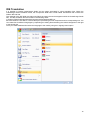
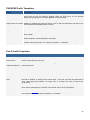
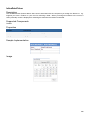
Higher Level Inclusive If this option is selected, users with higher level security groups will be able to access
of Lower Levels
pages with lower security levels (e.g. a user in security group 3 will be able to access
pages with security levels 2 or 1 but not 4).
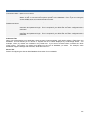
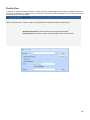
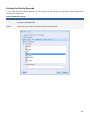
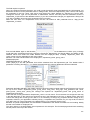
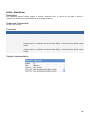
Add...
Click this button to add a new security group.
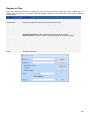
Modify...
Click this button to modify an existing security group.
Remove
Click this button to remove an existing security group.
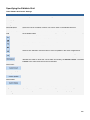
Click Next to proceed to step 5.
299