1
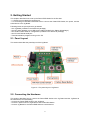
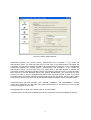
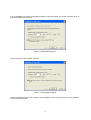
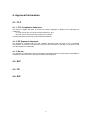
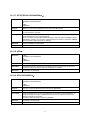
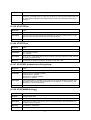
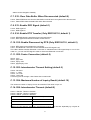
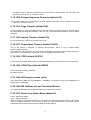
Figure 3-5 Device Setting Window
Parani-ESD supports two security options, Authentication and Encryption. If you check the
Authentication option, you must also enter the Pin Code value. If the authentication is activated, the
connection, only between the Master and Slave device that share the same Pin Code, is established.
Parani-ESD supports two security options, Authentication and Encryption. If you enable the
Authentication option, you must also enter a Pin Code value. If the authentication is enabled, the
connection, between the Master and Slave device must share the same Pin Code. In case that ParaniESD connects to another Bluetooth device, that requires authentication, you must know the other
device’s Pin Code. In general, most Bluetooth devices have a pincode of 1234 or 0000. If you check
Encryption option, the Parani-ESD will encrypt packets and sent to the device. The Encryption options
works well in case that only one of the devices between Master and Slave use the Encryption option.
Parani-ESD has 4 response messages, ‘OK’, ‘ERROR’, ‘CONNECT’, and ‘DISCONNECT’. In some
cases, these responses can affect the host system unexpectedly. To prevent this, user can set the
Command response to ON or OFF.
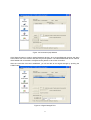
Click [Apply] button to apply any changes made to the Parani-ESD.
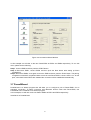
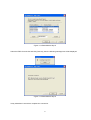
Connection(out) icon will show the following window to search and connect other Bluetooth devices.
17