1
Using Multiple Instruments
5
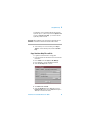
Foreground Instrument Selection
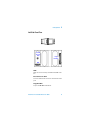
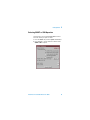
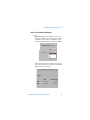
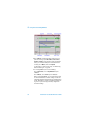
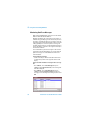
To select the foreground instrument
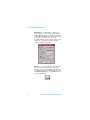
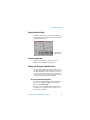
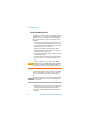
• Press <Menu>, choose Multiple Instruments > Select
then press <Select>. Choose SONET/SDH or Ethernet
then press <Select>.
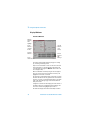
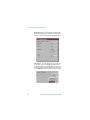
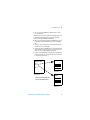
The name of the selected foreground instrument is shown
at the top of the main menu.
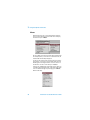
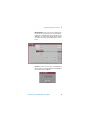
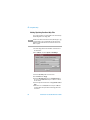
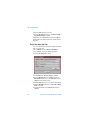
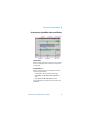
A combined SONET/SDH Trouble Scan and Ethernet
Results Summary report is available. Press <Menu>,
choose Multiple Instruments > Status then press <Select>.
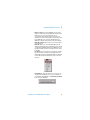
A summary of the main features of Multiple Instruments is
also available. Press <Menu>, choose Multiple Instruments > Quick Help then press <Select>.
Transmission Test Set Quick Reference Guide
57