1
Using Smart Test and SignalWizard
6
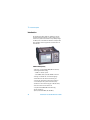
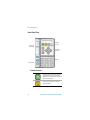
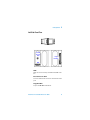
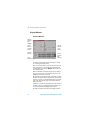
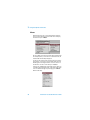
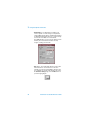
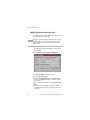
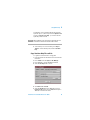
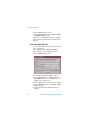
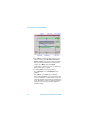
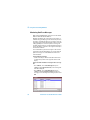
To view J2 Path trace messages in VT/TU channel:
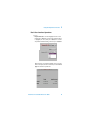
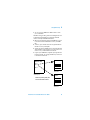
1 Use the arrows to highlight the channel for further analysis.
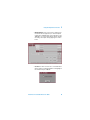
2 Press <Menu>, choose Expand then press <Select>. This
expands the VT/TU substructure.
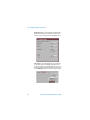
3 Press <Menu>, choose Collapse then press <Select>.
This closes the VT/TU substructure.
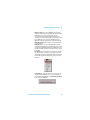
N O TE
STS/AU channels that contain VT/TU channels are shown
underlined on the display.
Transmission Test Set Quick Reference Guide
67