1
Satellite 1130 Series Version
1
Last Saved on 05/02/2003 17:53
Optional Devices
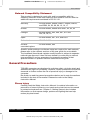
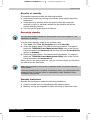
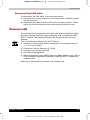
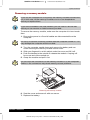
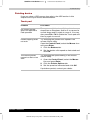
Removing a PC Card
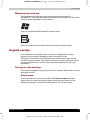
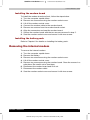
1. Click the Safety Remove Hardware icon on the Task Bar.
2. Click the PC Card you want to remove.
3. Press the eject button of the PC Card you want to remove to extend
the button.
4. Press the extended eject button to pop the card out slightly.
5. Grasp the PC Card and remove it.
Removing a PCcard
Satellite 1130 Series
7-3
ENGLISH using Euro_M.dot –– Printed on 05/02/2003 as IM_113EN