
1
PRINT
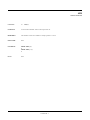
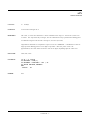
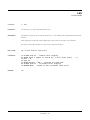
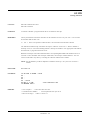
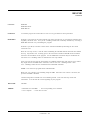
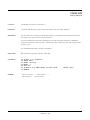
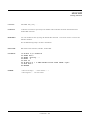
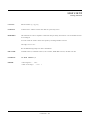
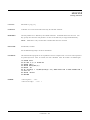
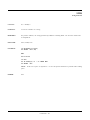
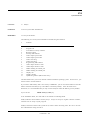
Statement
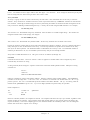
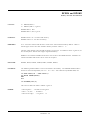
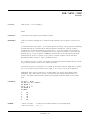
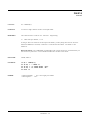
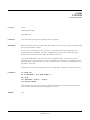
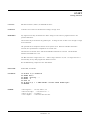
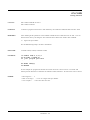
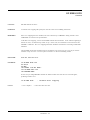
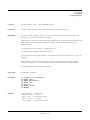
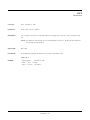
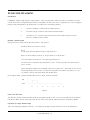
PR [#n, ] [expression] [; or , ] [expression]..
PRINT [#n, ] [expression] [; or , ] [expression]..
PURPOSE:
To output d ata throug h the specified se rial or d isplay port.
REMARK S:
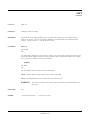
If all of the expr essions are omitted, a carr iage retur n is perfor med. If the list of expr essions is
included, the values of the expressions are displayed on the screen. The expressions in the list may
be numer ic and/or string expressions. String constants must be enclose d in quotation marks.
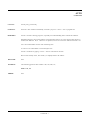
The position of each printed item is determined by the punctuation used to separate the items in the
list. In the list of expressions, a comma causes a tab to the next print zone (print zones are 14
characters wide). A semicolon does not place any spaces between the printed items. If the list of
expressions terminates without a semicolon or a comma, a carriage return is printed at the end of the
line.
Printed numbers are always followed by a space. Positive numbers are preceded by a space.
Negative numbers ar e preceded by a minus sign.
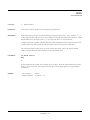
n = valid port number. Port number s are 1 and 2 for serial; 9 for V F display; 10 for LC D display.
LCD and VF displays must be configured using the CONFIG D ISPLAY comm and before use.
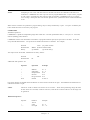
RPC-2350 NOTE: The CAM BASIC statement BIT 128,4, 0 may need to be executed before you
will receive any characters. This command enables the CTS line.
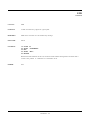
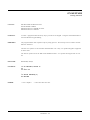
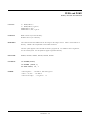
RELATED:
PRINT$, PRINT U SING, TAB, CH R$
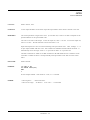
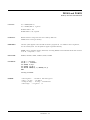
EXAMPLE:
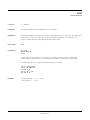
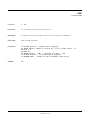
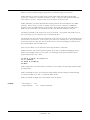
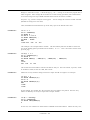
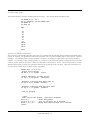
In the example below, the semicolons in the PRIN T statement cause each value to be printed in the
same line.
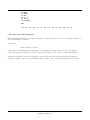
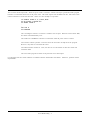
10 X=5
20 PRINT X + 5; X – 5; X * (–5)
RUN
10
0 –25
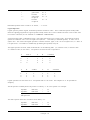
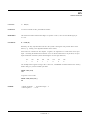
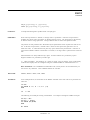
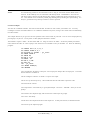
The follow ing is an exam ple of string c oncatenation . T he output is thr ough the C OM 2 serial por t.
30 A$ = "Hi"
40 B$ = " there"
50 PRINT #2,A$+B$
RUN
Hi there
Comm ands - 96



































![AudioBox AB64 ABEdit Software User Manual [PDF Format]](http://vs1.manualzilla.com/store/data/005983205_1-2265185b3c4bf7986bc4222e13230c75-150x150.png)