1
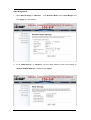
2.
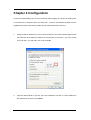
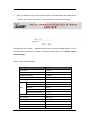
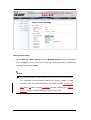
Click the “Site Survey” button beside SLAVE Mode.
CDS-5IP within coverage.
It will scan all the available
Select the one you prefer to connect to, and click Selected
to establish the connection.
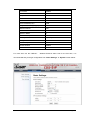
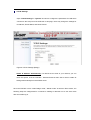
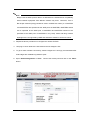
3. If the MASTER you connect to require authentication or encryption keys, click Profile
Settings in the left column, fill out the corresponding items, and click “ Apply” for data
encryption.
Page 21