1
TECDIS Installation Manual
Page 81
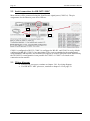
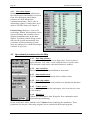
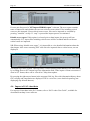
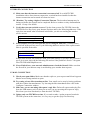
4.3 Operational parameters for AIS
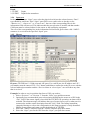
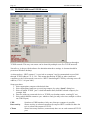
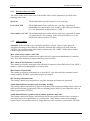
4.3.1 Display filter: Range and Track
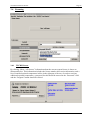
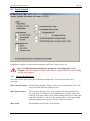
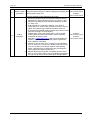
AIS targets outside specified range are filtered from display. Track
specifies length of AIS target tracks in minutes.
4.3.2 Display filter: All targets active
Allows all AIS targets to be shown with heading / COG vectors and
tracks. In INT1 chart display mode, target names are displayed.
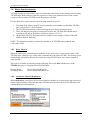
4.3.3 Display filter: Hide class B
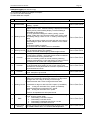
Allows filtering display of class B AIS targets.
4.3.4 Display filter: Relative COG vectors
Allows display of COG vectors relative to own ship movement.
Vectors are true if this option is not selected.
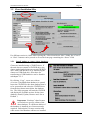
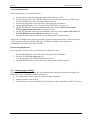
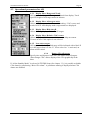
4.3.5 Lost active targets
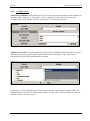
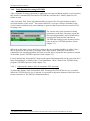
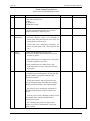
AIS targets inside the specified range will be indicated with a black X
over the target when it is lost. If ”Alarm when lost” is activated, an
alarm will be raised.
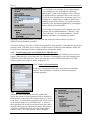
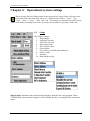
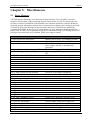
4.3.6
Danger CPA all targets
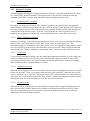
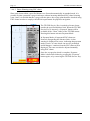
Specify time and distance limits for CPA alarms from all targets.
“Show danger CPA” allows display of the CPA graphically in the
chart.
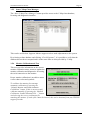
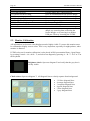
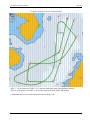
If “Allow Standby Mode” is selected in TECDIS Setup (See chapter 3.3), it is possible to disable
CPA alarms by unselecting “Raise CPA alarm”. A prominent warning is displayed when CPA
alarms are disabled.