1
HELPFUL SCREEN TIPS
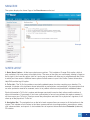
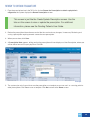
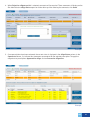
The following screen tips will help you take advantage of the information and navigation aids built into the
screens of the DirectAccess online tool.
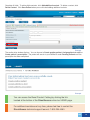
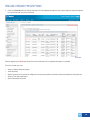
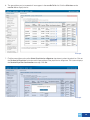
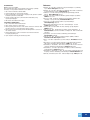
Example
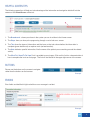
1. The Breadcrumb - shows you where in the system you are in relation to the Home screen.
2. The Steps show you how you’re progressing through a set of tabs on a screen.
3. The Tabs show the types of information and the Icons on the tabs show whether the information is
complete (green checkmark) or requires work (red exclamation).
4. The Note indicates specific information, like the name of the patient you are working on and the related
activity.
5. The What Do I Need To Do Here? link is provided on most pages. Click on this link for a demonstration of
how to complete the tasks on that page. The link will be located in the upper right corner of the screen.
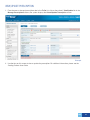
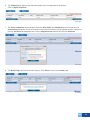
BUTTONS
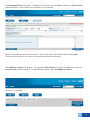
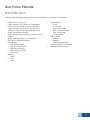
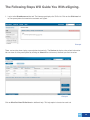
Please use the buttons on the screen to navigate:
rather than the buttons on the browser.
Example
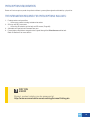
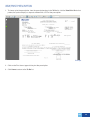
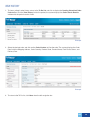
ERRORS
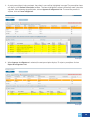
Error fields are identified in light red with an error message in red text.
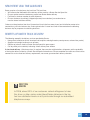
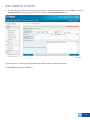
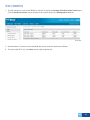
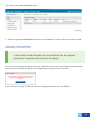
CONFIRMATION MESSAGES
Example
TOC
7